MeshCore Repeater Not Showing on Bluetooth? How to Manage It
Can't connect to your MeshCore repeater over Bluetooth? That's normal. Repeater firmware has no Bluetooth at all. Set it up over USB at your desk, then manage it over LoRa from a companion paired to your phone.
We hear this one from new repeater owners around Bryan–College Station, and it comes up often on r/meshcore. Someone flashes repeater firmware, opens the MeshCore app, and the board never shows up in the Bluetooth list. Nothing is broken. We checked everything below against the MeshCore FAQ, the MeshCore CLI reference, and the v1.18.0 release notes on Oct 19, 2026.
Quick answer
- Repeaters don't do Bluetooth. The MeshCore FAQ says it plainly: "You can't connect to a device running repeater firmware via Bluetooth." Only companion firmware pairs with the phone app.
- First setup happens over USB. Plug the repeater into a computer and use the MeshCore USB setup page or the console on the web flasher in Chrome.
- After that, manage it over LoRa. A companion paired to the MeshCore phone app can log in to the repeater with its admin password and change settings remotely. So can a T-Deck with its remote admin feature unlocked.
- If your companion can't hear the repeater, go back to USB. Remote admin rides on the same 915 MHz LoRa link as your messages, so wrong radio settings or no path means a cable.
Why your repeater won't show up over Bluetooth
MeshCore splits its firmware into roles. A companion is the messenger radio your phone or computer talks to. A repeater sits up high and forwards packets toward their destination. One board runs one role at a time, and only companion firmware listens for a phone. If you're not sure which role a board should run, our guide to MeshCore repeater vs companion vs room server walks through it.
So if the only board you own is flashed as a repeater, you have nothing to pair with. For a single board, the MeshCore FAQ's advice is to flash BLE companion instead. Once you have two boards and a high spot, one can become the repeater.
Step 1: Set up the repeater over USB before it goes up
Do this on the kitchen table, not on the roof. The FAQ says a freshly flashed repeater must have its frequency set before it will work in your region.
- Connect it. Use a USB cable that carries data (not a charge-only cable) and a desktop browser that supports Web Serial, like Chrome. Open config.meshcore.io, or use the `console` button on the web flasher.
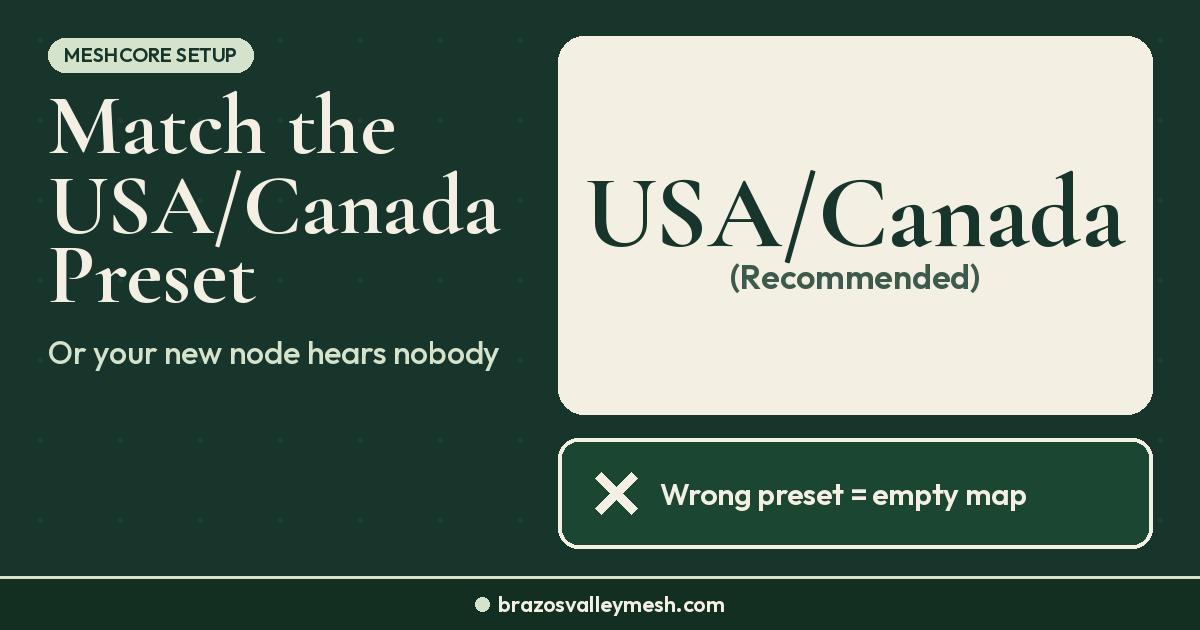
- Set the radio. Around here, that's USA/Canada (Recommended): 910.525 MHz, SF7, BW 62.5, CR5. The CLI reference lists `set freq` as a serial-only command, and radio changes need a reboot to take effect. That's one more reason to get the radio right while the cable is plugged in. Our USA/Canada MeshCore preset guide has the details.
- Change the admin password. The default is `password`. Change it with `password {new-password}` before the board leaves your desk. Anyone who knows it gets admin access.
- Name it and (optionally) set its location. Use `set lat` and `set lon` if you want it on maps later.
- Send an advert. Type `advert` so your companion hears it right away. Otherwise a repeater only sends its flood advert every 47 hours by default on firmware v1.16.0 and later (older firmware used 12 hours), and you may wait a long time for it to appear in your contacts.
Step 2: Manage it over LoRa from your companion
Once the repeater is on the right preset and your companion has heard its advert, the repeater shows up in the MeshCore app's contacts. Open it, log in with the admin password you set, and you can send it CLI commands over the mesh. The CLI reference covers most settings this way, including name, location, transmit power, advert intervals, and reboots. A few commands, like `set freq`, factory reset (`erase`), and the detailed stats, only work over serial.
A few things worth knowing:
- The phone app has a wait timer for remote admin. The FAQ says you can unlock it with an in-app purchase that supports the app's developer. Remote admin still works without it, just more slowly.
- A T-Deck can do it too. The T-Deck's remote server admin over RF needs a paid unlock ($10 per device, per the FAQ).
- Don't hide it too early. In v1.18.0, a repeater with adverts turned off is no longer discoverable. Leave adverts on until your companion has it saved.
- Range still matters. Remote admin is just another LoRa conversation. If your companion can't hear the repeater from the house, try from the yard or the driveway, or anywhere with a clearer line to it.
When the repeater is already on the roof
This is where the USB-first habit pays off. If you set the password and preset on the bench, you can do almost everything else from the ground. What usually forces a ladder trip:
- The preset is wrong. If the repeater is on a different frequency or setting than your companion, they can't hear each other. Remote admin can't fix that, so bring it down and plug it in.
- You forgot the admin password. There's no Bluetooth backdoor. You'll need the USB console.
- It never adverted. Wait for its next flood advert, which goes out every 47 hours by default on firmware v1.16.0 and later (older firmware used 12 hours), or bring it down and send `advert` from the console.
If your roof spot has weak Bluetooth to the phone, that doesn't matter here. You aren't pairing with the repeater anyway. Keep the companion inside and let LoRa carry the admin session. For what height actually buys you, see what a rooftop repeater changes.
When it's really a companion Bluetooth problem
Sometimes the board that won't pair isn't a repeater at all. The MeshCore FAQ lists a few common causes:
- Wrong companion build. Make sure you flashed BLE companion and not the USB-only companion. Reflash at the web flasher if you're not sure.
- Pairing code. On boards without a screen, the default Bluetooth pairing code is `123456`. Companions with a display show a generated six-digit PIN on screen instead, so use that number.
- Heltec V3 range. The V3 has a tiny coil antenna for Wi-Fi and Bluetooth, and the FAQ says its range is only a few feet. Keep the phone close, or look into the FAQ's wire-antenna mod.
- New BLE + WiFi builds. As of v1.18.0, some boards (Heltec V3, V4, V4 r8, Wireless Paper, RAK3112, Xiao S3, and Xiao S3 WIO) get companion builds that do Bluetooth and WiFi together. Those builds leave out the USB connection for now, so pair over Bluetooth.
Once your companion pairs, our guide on how to send your first MeshCore message picks up from there.
Gear for a companion plus repeater setup
You need two boards for this: one companion in your pocket and one repeater up high. Both run on the same LoRa hardware.
Want a companion ready out of the box? Our Pocket Mesh Node is flashed with MeshCore or Meshtastic, your choice. If you're joining us around Bryan–College Station, we recommend MeshCore. Buying from the shop helps fund the local mesh.
 If you'd rather build your own, these are common companion boards: the Seeed Wio Tracker L1 Pro (Amazon) (Seeed Studio) or the Heltec WiFi LoRa 32 V4 (Rokland).
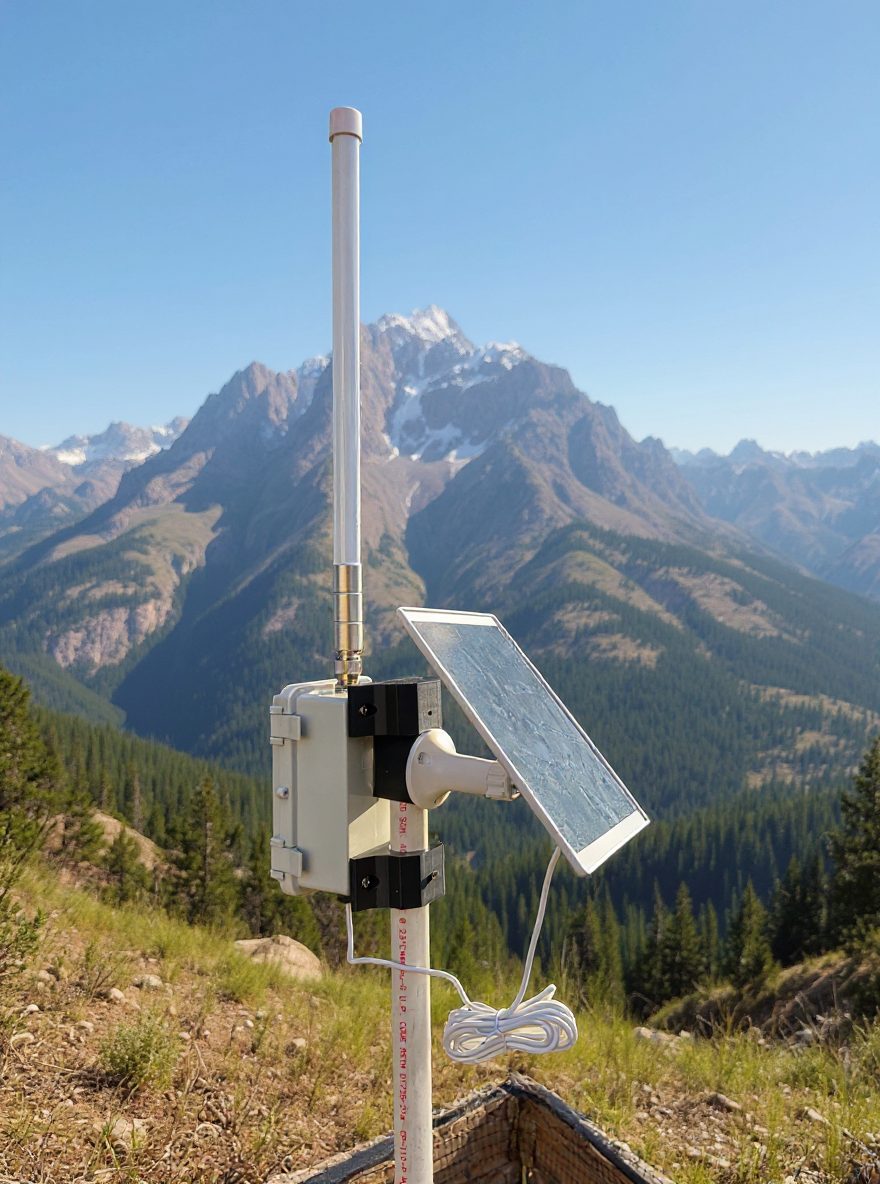
 For the repeater side, we sell a solar repeater MeshCore node. A third-party option is the RAK WisMesh Repeater Mini (Rokland). Sold out at Rokland right now? Alternatives: SenseCAP P1-Pro for MeshCore (Amazon) ($139.99; Seeed Studio $100.99 as of Nov 17, 2026), SenseCAP P1-Pro for Meshtastic (Amazon) ($139.99; Seeed Studio $101.99 as of Nov 17, 2026), or the KEEPTEEN D5L-R1 5W solar repeater with RAK19007 + RAK4631 (Amazon, third-party seller) ($119). Whichever you pick, plan to set it up over USB first. Prices and stock change, so check the listing before you buy. If you have a tall spot and want to help the local mesh, take a look at hosting a node.
FAQ
Can I connect to a MeshCore repeater over Bluetooth?
No. MeshCore repeater firmware has no Bluetooth connection. Set it up over USB with config.meshcore.io or the web flasher console, then manage it over LoRa from a companion paired to the MeshCore app.
How do I change MeshCore repeater settings without a USB cable?
Pair a companion to the MeshCore app, wait for the repeater to show up in your contacts, and log in with its admin password. From there you can send most CLI commands over the mesh. A few, like `set freq` and `erase`, are serial-only.
What is the default MeshCore repeater admin password?
It's `password`. Change it with `password {new-password}` over USB before you mount the repeater.
Why doesn't my repeater show up in my MeshCore contacts?
It may not have adverted yet (a repeater sends its flood advert every 47 hours by default on firmware v1.16.0 and later; older firmware used 12 hours), its radio settings may not match yours, or its clock may be wrong, which the FAQ lists as a cause of missing contacts. In v1.18.0, a repeater with adverts turned off is also no longer discoverable. Plug it in and send `advert` from the console to rule out the first one.
Should I flash my only board as a repeater?
No. With one board, flash BLE companion so you can pair it with your phone and talk to neighbors who are already on the air. Add a repeater when you have a second board and a high place to put it.