Meshtastic guides
Meshtastic notes from the Brazos Valley Mesh, grouped by buying a radio, setting it up, fixing a quiet node, and installing an update.
Buy
Set up
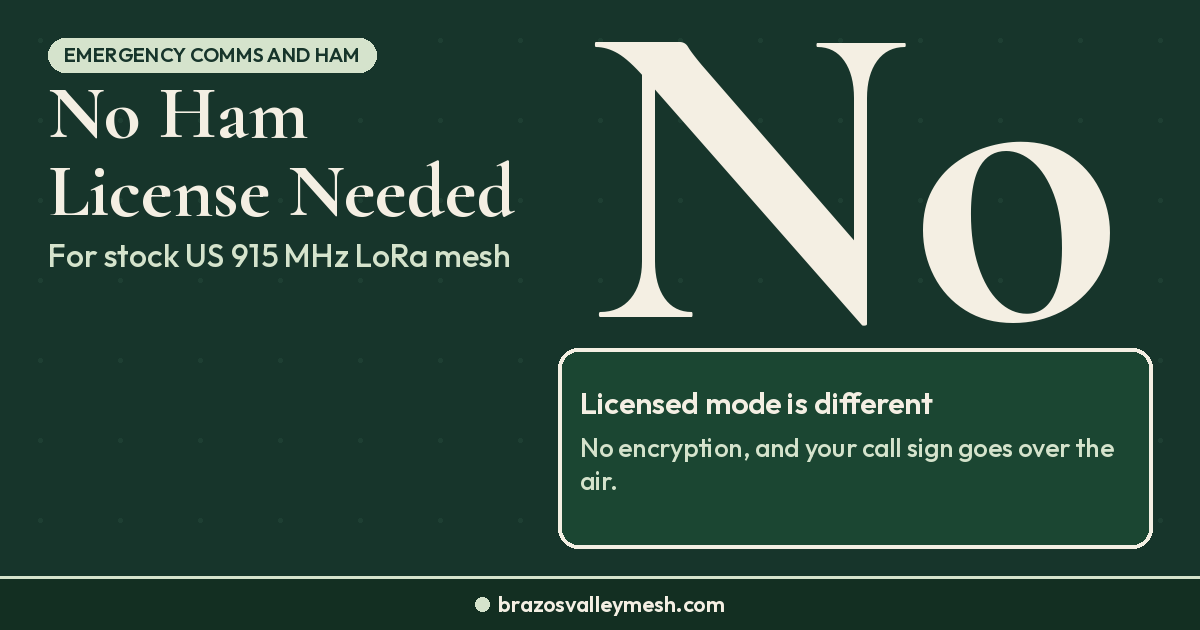
Meshtastic Ham License: Do You Need One for LoRa Mesh?
No ham license needed for Meshtastic or MeshCore on stock US 915 MHz settings. Licensed mode is for hams who accept no encryption and a call sign.
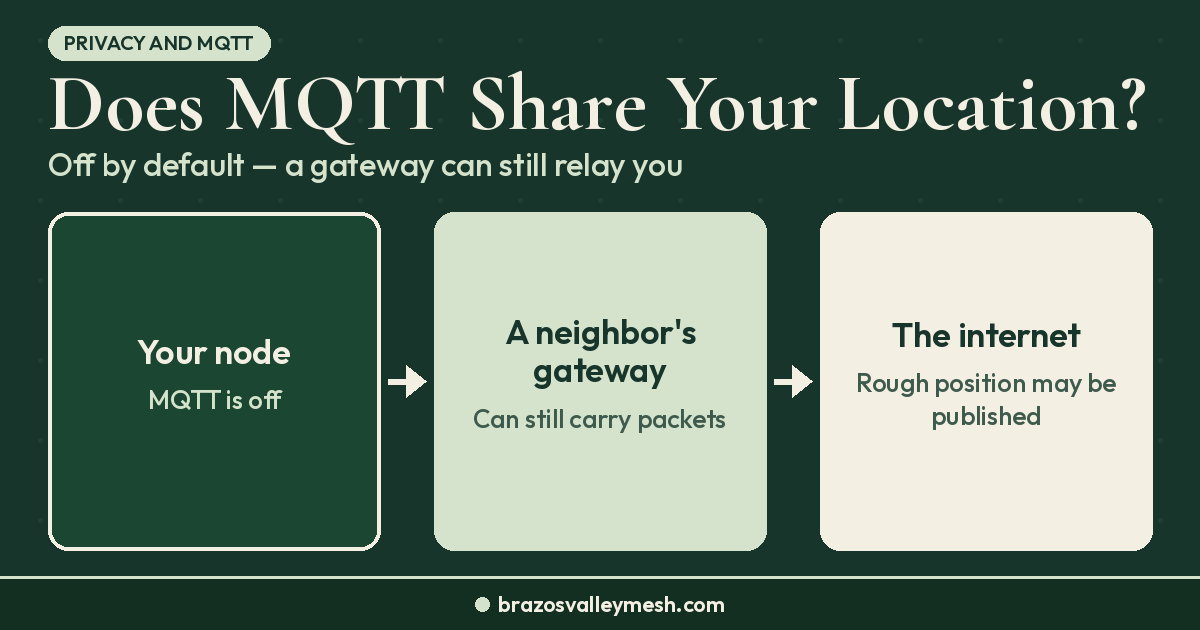
Meshtastic MQTT Explained: Does It Share Your Location?
Meshtastic MQTT is off by default, but it can publish your position. What gets shared, what the public server blurs, and the settings that control it.
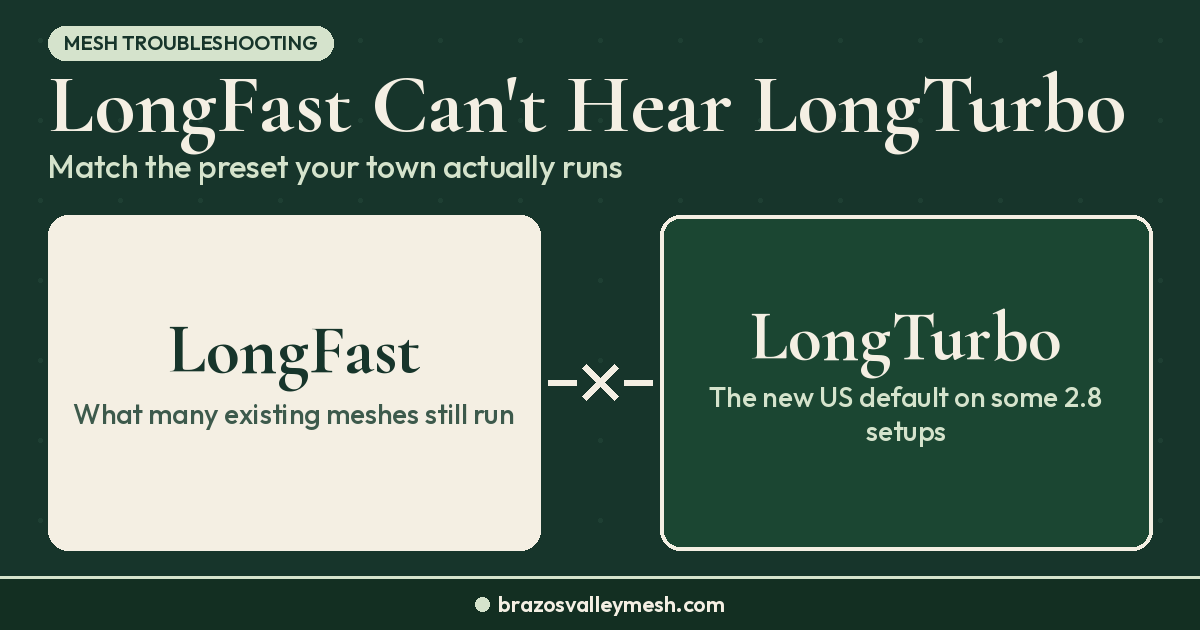
Meshtastic LongFast vs LongTurbo: Which Preset After Flashing?
New US Meshtastic 2.8 nodes can start on LongTurbo, which can't hear LongFast. Check your preset after flashing and match your local Meshtastic mesh.
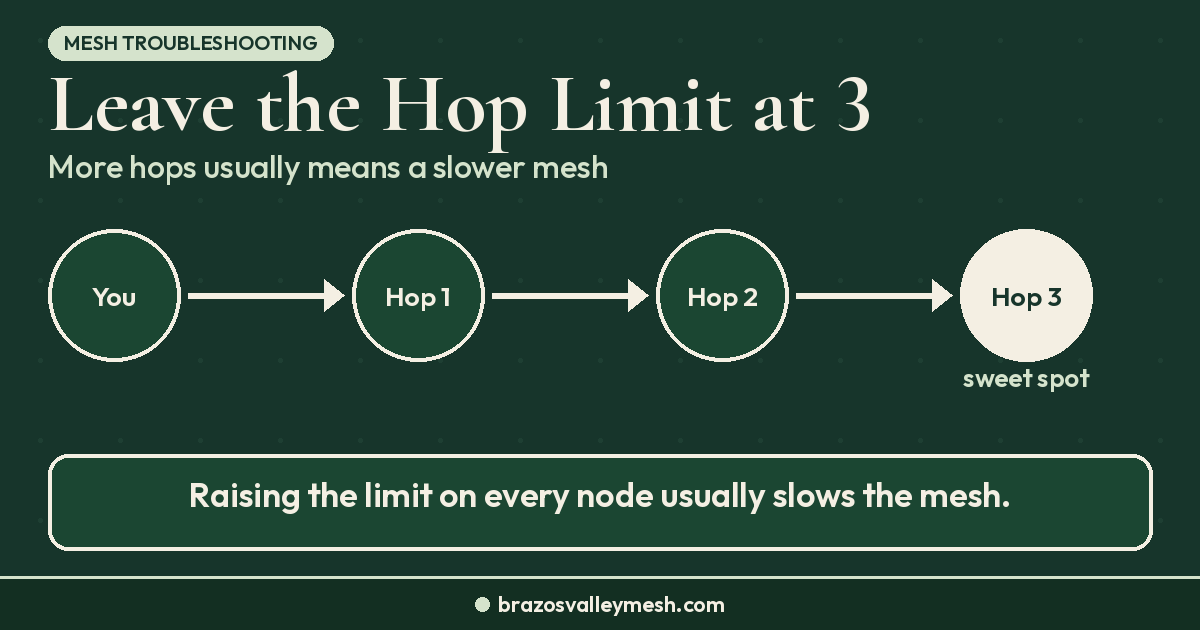
Meshtastic Hop Limit: Why 3 Hops Is the Right Default
Keep your Meshtastic hop limit at 3. Raise it only on edge nodes that fall a hop short; height, antennas, and roles fix most weak links.
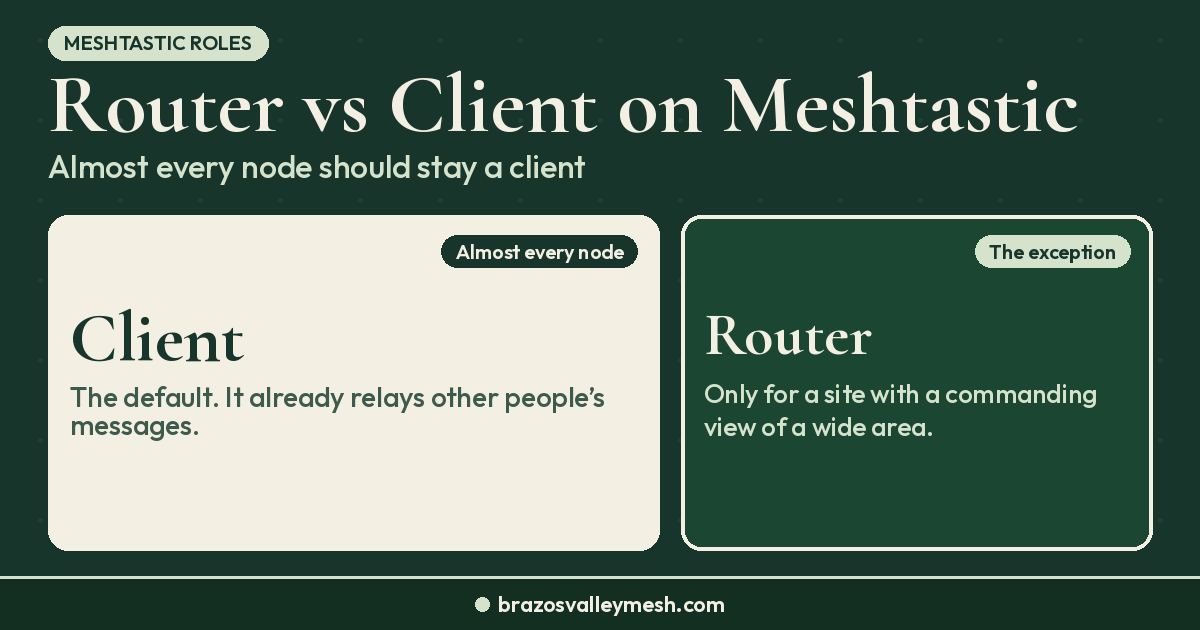
Meshtastic Router vs Client: Which Role Should Your Node Use?
Most Meshtastic nodes should run CLIENT. Use CLIENT_MUTE for extra radios, CLIENT_BASE for a roof node, and ROUTER only on rare high sites.
Troubleshoot
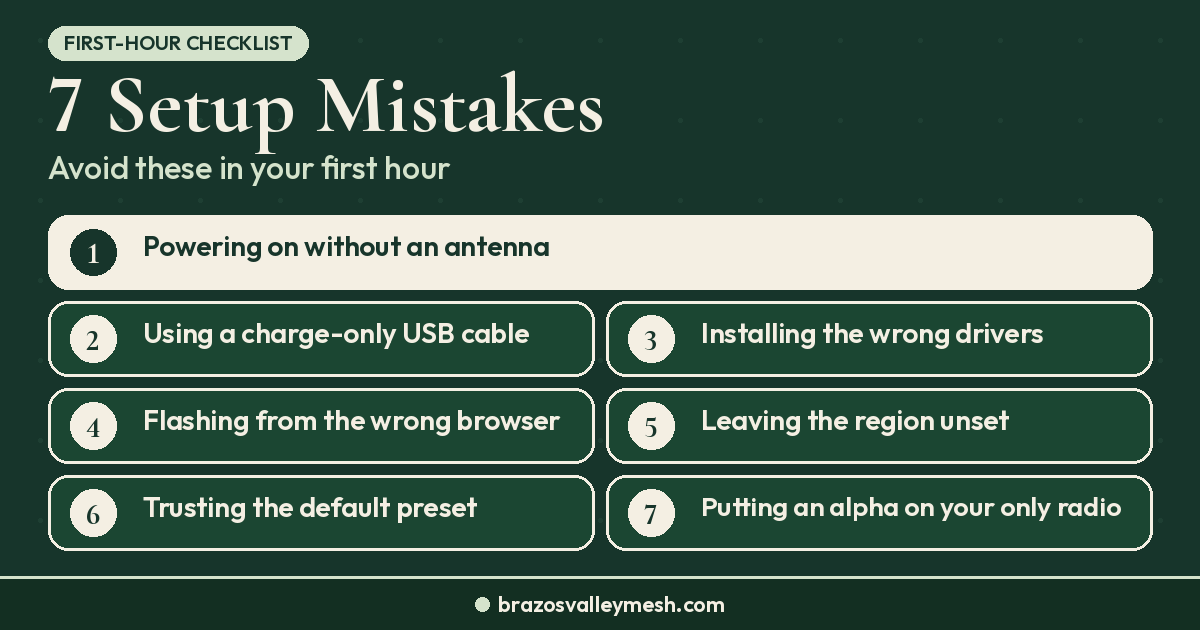
Meshtastic Setup Mistakes: 7 to Avoid in Your First Hour
Before first boot: attach the antenna, use a data cable, set the US region, and match your local preset. A first-hour checklist for new Meshtastic owners.
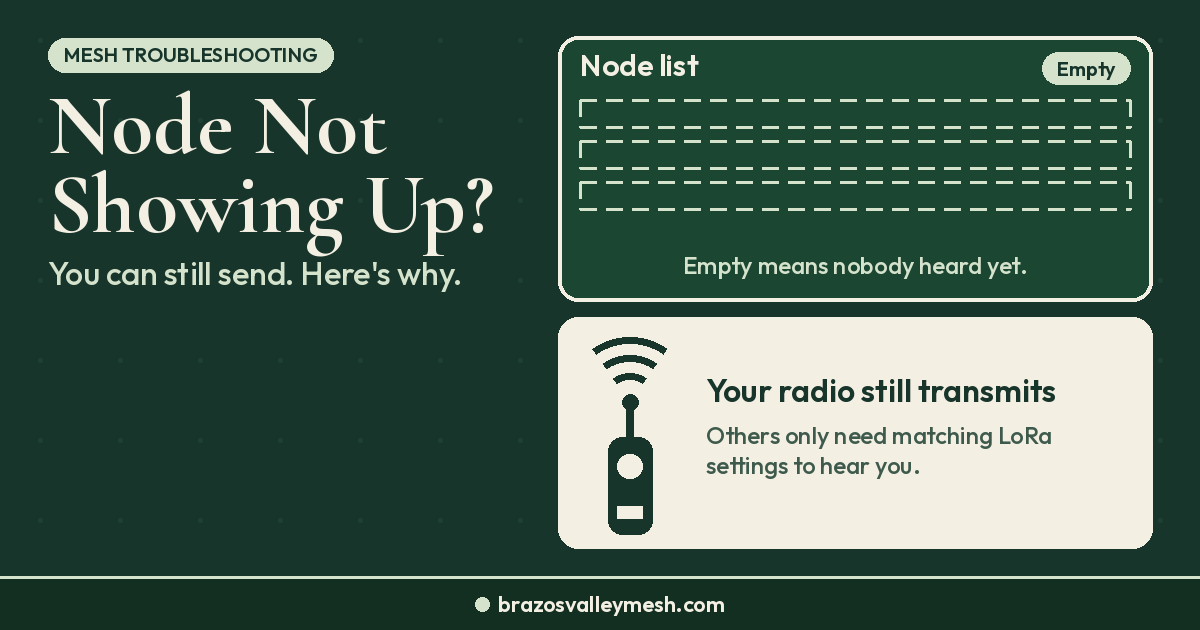
Meshtastic Node Not Showing Up? Why You Can Still Send
No nodes in your Meshtastic or MeshCore list? You can still send. Here's what has to match for others to hear you, and why DMs need a key first.