MeshCore Sent but No Heard Repeats? A 6-Step Fix List
If your MeshCore companion shows messages on the public channel, but everything you send says "sent" and never gets a heard repeat, no repeater is decoding your signal. The fix is almost always the preset, the antenna, or the height. More power is rarely the answer.
We see this a lot around Bryan–College Station. Someone pairs a new node, watches neighbors chat on the public channel, says hello, and gets nothing back. It feels like the mesh is ignoring them. It isn't. The repeater they can hear sits up high, outdoors, with a good antenna. Their node is in a pocket or on a desk, behind brick and live oaks. The rest of this post explains why that gap happens and goes through the fixes in order, starting with the free ones.
On Meshtastic with an empty node list instead? That's a different problem, and our guide to why you can still send when your Meshtastic node isn't showing up covers it.
Amazon, Seeed, and Rokland prices below were rechecked on Oct 29, 2026. Prices and stock move, so recheck before you buy.
Quick answer
- Confirm the preset. USA/Canada (Recommended), like the rest of Brazos Valley Mesh.
- Find your nearest repeater on the map linked from the MeshCore app.
- Stand the antenna up and move to a window, but not one with low-E glass or metallic tint.
- Upgrade the stock antenna to a known-good 915 MHz whip, about $13, and check SMA vs RP-SMA first.
- Go higher: a second floor, a loft, an eave.
- Add a repeater where you have height, or ask someone nearby who does.
Most people we help are sorted out by step 3 or 4.
What "heard repeats" means
When you send on a channel, your companion transmits once. Any MeshCore repeater that decodes your packet rebroadcasts it. When your companion hears one of those rebroadcasts, the app counts it as a heard repeat.
So zero heard repeats means one of two things. Either no repeater decoded you, or one did and you missed its rebroadcast. If you can already see public traffic, the second one is unlikely. Nearly always, your signal isn't reaching a repeater.
One more thing to know: on the USA/Canada preset, MeshCore companions don't repeat for each other. That is by design. Strict roles keep a busy mesh from drowning in copies of the same message, and they are a big reason we run MeshCore here. The tradeoff is that outside repeater coverage, your companion only reaches radios it can hit directly. Our repeater vs companion vs room server guide explains what each role does, and our MeshCore vs Meshtastic comparison covers why we think that tradeoff is worth it.
Companion firmware v1.13.0 and later does have an optional off-grid repeat mode. The firmware only allows it on a few set frequencies, such as 918 MHz in the US band, and not on the 910.525 MHz preset our mesh uses. MeshCore's Oct 23, 2026 post on Companion Repeat Mode explains that it's restricted to specific off-grid settings to keep portable companions from adding unnecessary forwarding traffic to a public mesh. We'll cover it in a December post on off-grid group messaging for travel and camping.
Channel traffic vs direct messages
Heard repeats only apply to channel sends. A public or private group channel always floods, and unlike a direct message, a channel message gets no delivery ACK. The MeshCore FAQ covers both points. Group channels have no defined path, so they have to flood. When the FAQ compares channels to room servers, it notes that a channel message is either received when it's sent or missed if the other node is out of range.
Direct messages work differently, and the FAQ covers those too. The first DM to a contact floods so MeshCore can learn a path. The destination sends back a delivery report listing the repeaters that carried it, and later DMs follow that path. If the stored path goes stale, for example because a mobile repeater has moved away, the app retries a few times, then resets the path and floods again by default. That final flood can be turned off in settings.
So if your channel sends say "sent" but never get a heard repeat, that's the one-way link problem this post is about. DMs fail differently. If a DM fails after earlier ones got through, or you can see a contact but your DMs won't land, check the path before you blame the antenna. Open the contact, clear or reset the path if the app offers that, and let the next send flood again. For family groups in the same town, a private channel is usually simpler than a web of separate DMs, because everyone on the channel gets the same flood without needing a stored path to each person.
Why you can hear the mesh but it can't hear you
In an Oct 11, 2026 r/meshcore thread asking exactly this question, one commenter put it well: you're at the back of a rock concert. You can hear the band fine through the speakers, but the band can't hear you yell back.
The radio path itself works about the same in both directions. Height and antenna gain help a link both ways. The difference is the two ends of that link:
- Transmit power. Some repeaters run higher power than a pocket node. The RAK13302 radio module in RAK's WisMesh High Power Booster, for example, has an FCC grant (FCC ID 2AF6B-13302) for about 0.29 W of peak conducted output, roughly 290 mW or 24.6 dBm. Many pocket nodes use Semtech's SX1262 radio, which Semtech rates at up to +22 dBm, and some nodes are set lower than that. That is a few dB in the repeater's favor. It's not huge, but at the edge of coverage a few dB is the whole margin.
- Noise and traffic at the repeater. A repeater on a roof or tower hears a wide area. That means it also hears more noise and more nodes talking over each other. Your faint packet has to stand out from all of that. Your node, down low, sits somewhere quieter and only has to pick out one strong signal.
- What you're hearing may not be close. The public messages on your screen may be arriving from one tall repeater a few miles away that is loud enough to reach you. Being able to hear it doesn't mean your node can reach it.
The fixes below go after the part you control: your end of the link.
The fix list, cheapest first
1. Confirm the preset and settings
This won't cause one-way trouble by itself, since a wrong preset usually means you hear nothing at all. But it takes 30 seconds, so rule it out first. In the MeshCore app, check that the radio is on USA/Canada (Recommended). Newer app builds may just label it "USA," with the same settings. While you're there, make sure transmit power hasn't been turned down. Our USA/Canada MeshCore preset guide shows what the settings should be, and our first MeshCore message guide walks through a clean first send.
2. Find your nearest repeater
Check the map linked from the MeshCore app for the closest repeaters. If the nearest one is miles away across town, skip ahead to step 6. We'll go deeper in a November post on finding repeaters before you buy more gear.
3. Antenna up, near a window, try a few spots
Hold or prop the node so the antenna points straight up. A whip lying flat in a pocket or on a desk is working against you. Then move it to a window that faces the nearest repeater, and resend.
Try a few spots. Replies in that same October thread suggested sending from slightly different locations and propping the antenna upright. At 915 MHz, moving a short distance can change things, especially indoors.
Watch the glass. Low-E coatings and metallic tints keep heat out with thin metal layers, and those layers block radio too. In a 2019 lab study for ANFR, France's radio regulator, glass with metal coatings lost 20 to 50 dB between 700 MHz and 20 GHz, compared with under 10 dB for uncoated glass. If one window is dead and an open window or the porch works, the glass is your answer.
4. Replace the stock antenna, and don't trust the listing
 The antenna that ships with a lot of boards is the weakest part of the kit. On the Wio Tracker L1 Pro, Amazon's AI summary of the reviews says buyers are mixed on the stock antenna, and several call it bad. A known-good whip is the cheapest real upgrade. The Muzi Works 17 cm 915 MHz whip on Amazon was $12.90, and Rokland's MESHTAC 2.5 dBi whip, at $11.97, is a good alternative. Both are SMA male. Check your node's connector before you order, because SMA vs RP-SMA is the classic first-week mistake. Our SMA vs RP-SMA vs N-type guide shows how to tell them apart.
Be careful with cheap no-name "915 MHz" antennas. On Oct 9, 2026, a builder on r/meshtastic tested several folding 90-degree whips sold as 915 MHz on Amazon with a NanoVNA, a low-cost antenna analyzer. They measured an SWR of about 3.5 to 4. At that level roughly a third of your transmit power bounces back into the radio instead of going out. The same builder said a stock T114 antenna, after a little trimming, measured about 1.75. A label that says 915 MHz doesn't mean the antenna is tuned for 915 MHz. Buy from a seller the community has already checked. Our December stocking-stuffer roundup will cover more cheap adapters and small antennas.
If your node has a built-in antenna, like the SenseCAP T1000-E, you can't do this step. Skip to height.
Our handheld vs rooftop antenna guide explains when a whip is enough and when the roof is the real fix.
5. Go higher
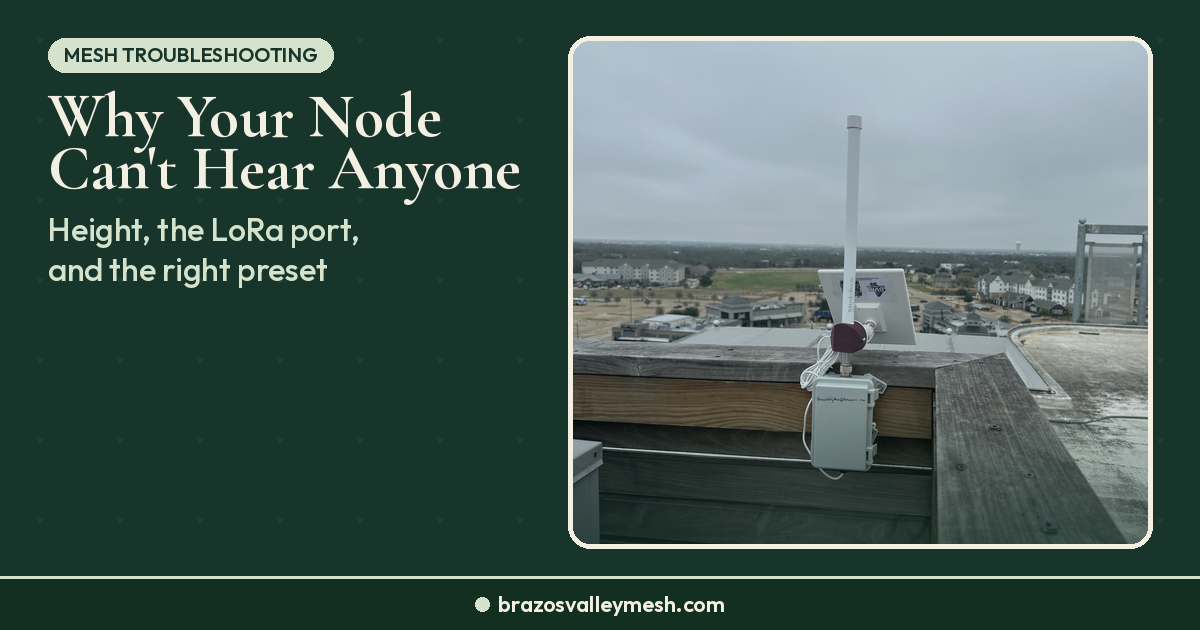
Height beats almost everything on flat Brazos County ground. A second-floor window beats the first floor. A loft or attic beats the bedroom, unless the roof has a foil radiant barrier. An eave or balcony beats all of it. One reply in that October thread put it simply: a fiberglass antenna in the loft, or as high as you can get it. MeshCore's own field test shows the same thing: moving the relay node to a higher, more open spot raised delivery from 4 of 10 messages to 8 of 10, with distances of about 4 km on each leg left roughly unchanged.
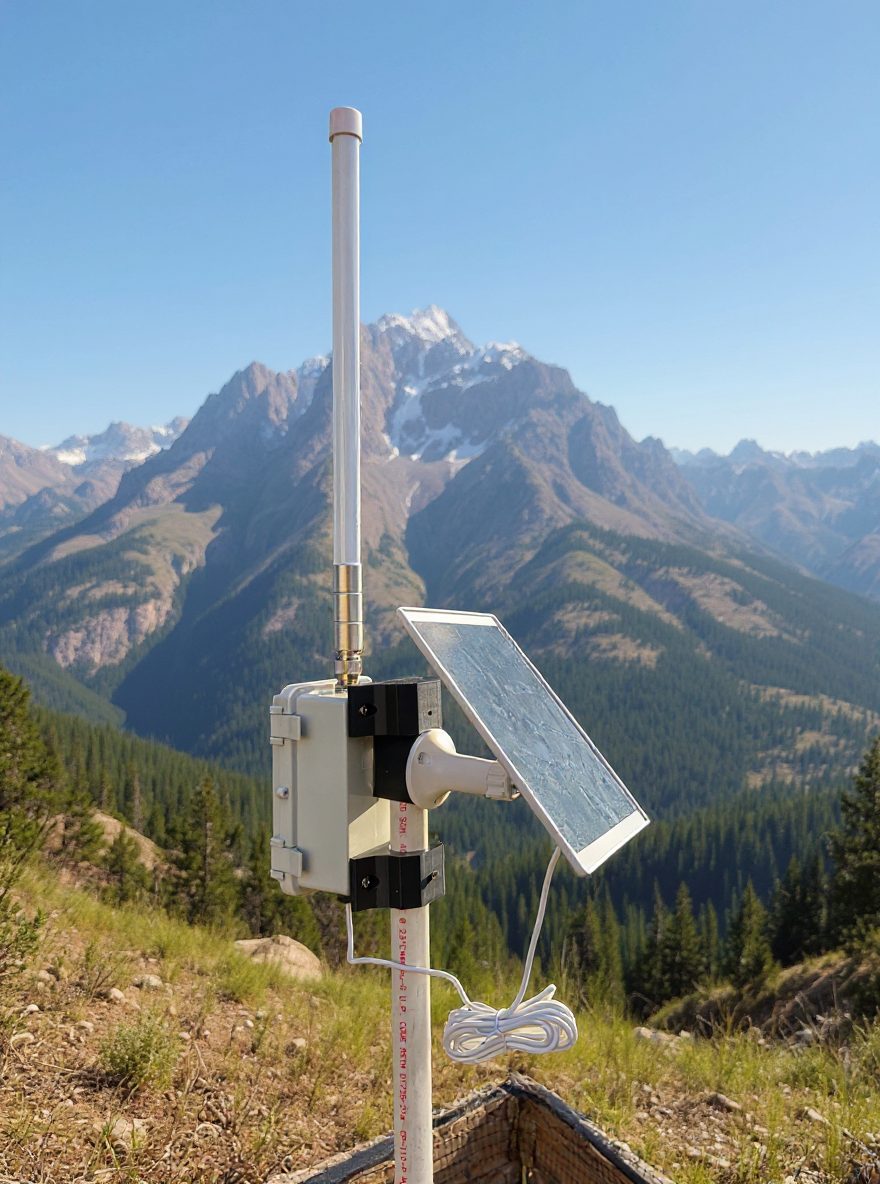
If your companion stays home most of the time, the bigger move is an outdoor antenna on a short cable, with the companion inside. The antennas and rooftops guide walks through that placement ladder.
6. Add a repeater, or find someone who can
If you've done all of the above and still get no heard repeats, you're probably outside real repeater coverage. Several replies in that same thread landed there, too: put up a repeater somewhere with height and power, or find a neighbor with a better spot who will host one.
That's not a failure on your part. It's how a mesh grows. One repeater on an eave, a barn peak, or a shop roof can bring a whole street into range. Our post on what a rooftop repeater changes explains why, and our $5 Harbor Breeze solar MeshCore node build is a cheap way to try one. If you have a tall spot but don't want to run the gear yourself, the hosting page explains how to offer it to the mesh. Setting up a repeater for the first time? It won't show up over Bluetooth, so our guide to managing a MeshCore repeater covers setting one up over USB and managing it over LoRa.
Mistakes we see with this problem
- Buying a louder radio first. A higher-power node at desk level is still at desk level. Moving it up and swapping the antenna usually helps more, and costs less. Our guide on whether you need a 1-watt mesh node covers when power actually pays off.
- Expecting a second companion to relay. Two companions talk to each other directly, but on the USA/Canada preset neither one repeats. You need a repeater for hops.
- Testing once and giving up. Send a few times from a few spots. Traffic collides sometimes, and one try tells you very little.
- Running a pocket node off an ESP32 board. A pack of Heltec V3 boards on battery shows up in a lot of first-timer shopping lists. They work, but ESP32 boards draw much more power than nRF52 boards, so battery life is far shorter. They're better as a USB-powered window node than a node you carry.
If you're still shopping for a first node
Pick a node with a real antenna connector or a good built-in design, since this whole problem comes down to your end of the link. Here's the short version of our picks:
- Most newcomers: the Seeed Wio Tracker L1 Pro on Amazon ($59.99; Seeed Studio $48.59 as of Nov 17, 2026), plus a whip upgrade.
- Tinkerers: the XIAO nRF52840 + Wio-SX1262 kit on Amazon ($23.49; Seeed Studio $13.99 as of Nov 17, 2026). It's cheap and low-power, but the boards are fragile. A builder on r/meshcore tore the battery pad right off one on Oct 11, 2026.
Our first MeshCore node under $70 guide goes through all of these in detail.
If you'd rather skip the setup, the Brazos Valley Mesh Pocket Mesh Node is built and tested here. It's flashed with MeshCore or Meshtastic, your choice. If you're joining us around Bryan–College Station, we recommend MeshCore. When you're ready to give your street coverage, the Solar Repeater Mesh Node is our turnkey repeater. Buying gear anywhere is fine. Buying from the Brazos Valley Mesh shop funds the local mesh, because the proceeds go back into repeaters and rooftop work around the valley.
Where to test around Bryan–College Station
Aggieland apartments, brick houses, and tree-lined Bryan streets all soak up 915 MHz. If home isn't working, take the node somewhere higher or more open and see what changes:
- An upstairs window or balcony that faces the nearest repeater on the map.
- The top deck of a parking garage where you're allowed to be.
- A park or open field with a clear view toward where the repeaters are.
If you get heard repeats from one of those spots and not from home, the problem is your location, not your radio. That tells you whether a better antenna, more height, or a repeater is the right next step. Tell us what you heard and where through Get Connected. Those reports help us see where coverage is thin and where the next repeater should go.
FAQ
Why does my MeshCore node receive messages but get no heard repeats?
Because no repeater is decoding your transmissions. The repeater you hear is usually higher, outdoors, and better equipped, and it may run more power and hear more noise than your node. Check the preset, stand the antenna up, move to a window or upstairs, and upgrade the stock antenna before buying anything bigger.
Will a 1-watt radio fix it?
Sometimes, at the edge of coverage, but it's usually the last thing to try. In the US, the RAK13302 module in the RAK High Power Booster has an FCC grant for about 290 mW, a few dB over the +22 dBm that many pocket-node radios top out at. Moving the antenna up and swapping a bad stock antenna often gains more than that.
Can another companion relay my messages?
Not on the USA/Canada preset. There, MeshCore companions don't forward other people's traffic. Only repeaters (and room servers set to repeat) rebroadcast, so to reach farther you need to be in range of a repeater. Companion firmware v1.13.0 and later has an optional off-grid repeat mode, but the firmware only allows it on a few set frequencies, not on our 910.525 MHz preset.
Does a bad antenna hurt sending more than receiving?
It hurts both. You just notice it on sending first, because the repeater you're trying to reach may be hearing a lot of noise and other traffic, and your weak signal has to stand out from all of it. A known-good 915 MHz whip helps in both directions.
How do I know if a repeater is in range of my house?
Check the map linked from the MeshCore app for the nearest repeaters, then test from your best window. If you get heard repeats from a nearby high spot but not from home, you're at the edge. A better antenna, more height, or a new repeater will close the gap.
Gear links
- Muzi Works 915 MHz 17 cm whip (Amazon)
- MESHTAC 2.5 dBi 915 MHz whip (Rokland)
- Seeed Wio Tracker L1 Pro (Amazon) (Seeed Studio)
- Seeed XIAO nRF52840 + Wio-SX1262 kit (Amazon) (Seeed Studio)