How to Find MeshCore Repeaters Near You Before Buying Gear
Want to find MeshCore repeaters near you? Check the official map at map.meshcore.io first, then let your own companion listen. Repeaters it hears show up in your contacts, and heard repeats after you send on a channel prove that one hears you. Do both before you buy more gear.
That order saves money. Plenty of new users around Bryan–College Station assume they need a repeater or a bigger antenna, when the real answer is a repeater two miles away and a better window. We checked the steps below against the MeshCore FAQ, the MeshCore CLI reference, and the v1.18.0 release notes on Oct 26, 2026.
Quick answer
- Look at the map. Open map.meshcore.io, or in the MeshCore phone app tap the three-dot menu, then Internet Map.
- Don't trust an empty map. Only nodes someone chose to upload appear there. Ask the local group too.
- Let your companion listen. On the right preset, repeaters you can hear land in your contacts after they advert.
- Prove the link both ways. Send on a channel and look for heard repeats. Hearing a repeater doesn't mean it hears you.
- Then decide. Heard repeats from home means you need nothing. Heard repeats only from a better spot means antenna or height. Nothing anywhere nearby means it's time to talk about a repeater.
Step 1: Check the MeshCore map
The MeshCore FAQ lists map.meshcore.io as the official MeshCore map. You can open it in a browser, or reach it from the phone app's three-dot menu under Internet Map.
Read it as a starting point, not a census. The FAQ explains how nodes get there: a companion owner taps Add me to the Map, and a repeater or room server appears only when someone uploads it from their contact list with Share, then Upload to Internet Map. Setting a repeater's location is optional, too. So a repeater can be on a roof down the street and still be missing from the map.
What to look for:
- Repeaters within a few miles, especially ones that are clearly up high, like a rooftop, tower, or hilltop.
- What sits between you and them. LoRa at 915 MHz works best with a clear line of sight. Trees, buildings, and terrain between you and the repeater matter more than the straight-line distance.
- Clusters of companions. A bunch of companion icons near a repeater is a good sign that people are actually using it.
Step 2: Ask the people who run the repeaters
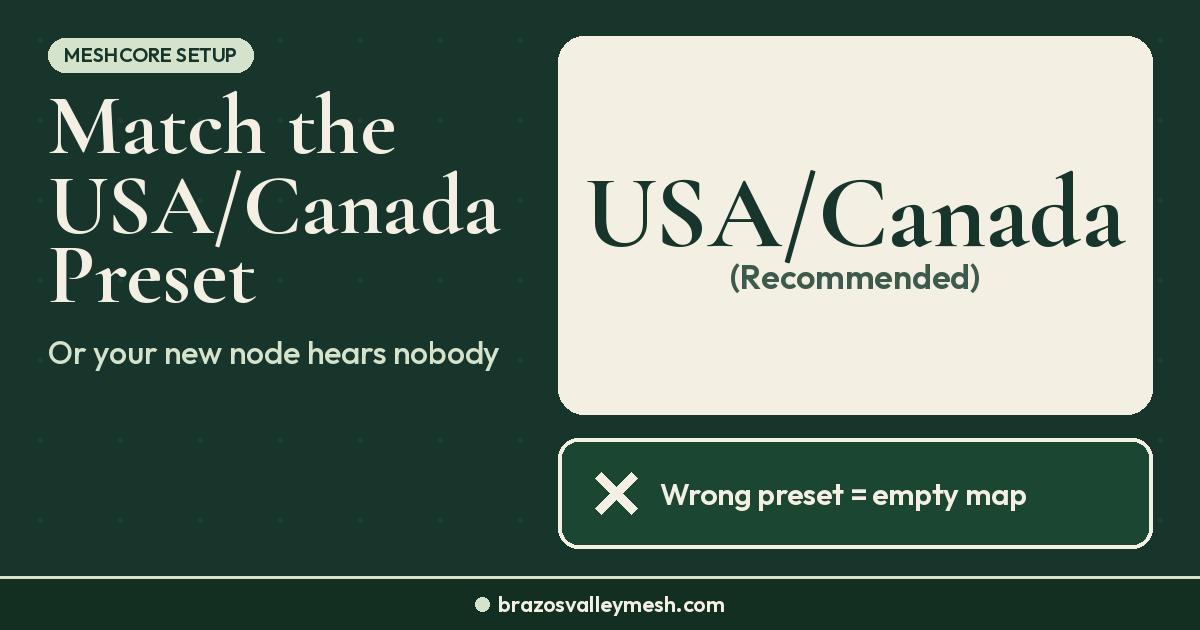
The map can't tell you which repeaters are still running or which preset a local group uses. People can. Around Bryan–College Station, we run MeshCore on the USA/Canada (Recommended) preset: 910.525 MHz, SF7, BW 62.5, CR5. If your radio is on a different preset, you won't hear the local repeaters even if they're right next door. Our USA/Canada MeshCore preset guide shows how to set and check it.
Elsewhere, look for a local MeshCore group or Discord before you assume nobody is out there.
Step 3: Let your companion find repeaters on the air
If you already have one companion radio, it's your best coverage tester. You don't need a second board for this. If you haven't sent anything yet, start with our guide on how to send your first MeshCore message.
Here's how repeaters show up. A MeshCore advert broadcasts a node's name, position, and public key. The FAQ describes two kinds: a zero-hop advert reaches only radios that hear it directly, and a flood advert gets repeated by every repeater that hears it. Repeaters send flood adverts on a timer, which defaults to every 47 hours, according to the current CLI reference. (MeshCore's FAQ still says 12 hours, but the CLI reference reflects the current default.) Once your companion hears one, that repeater appears in your contact list.
A few things to know while you wait:
- It can take a while. With a 47-hour default, a quiet afternoon may show nothing. Leave the companion on overnight, or ask a local repeater owner to send an advert.
- Or ask directly, if your companion has a screen. On v1.18.0, most companion boards with a built-in display also have a repeater discovery page: press Enter there (or long-press the button on boards without a joystick or dial), and repeaters that hear you directly reply with signal strength readings.
- Hidden repeaters stay hidden. In v1.18.0, a repeater with adverts turned off is no longer discoverable. Some sites are set up that way on purpose.
- A wrong clock can hide contacts. The MeshCore FAQ lists a wrong time on your device or the other node as a reason an expected repeater doesn't appear.
- Send your own advert. Your companion only adverts when you tell it to. Sending one lets others, and repeaters, learn about you.
Step 4: Prove the repeater can hear you
Hearing a repeater is only half the link. A repeater on a tall building can be loud at your house while your little handheld can't reach back. The test is heard repeats: send a message on a channel, and the app shows when a repeater rebroadcasts it.
Try it from a few spots:
- Where you'll normally use the radio, like your desk or couch.
- Your best window facing the nearest repeater.
- Outside, or upstairs, with the antenna vertical and clear of your body.
If you get heard repeats from your desk, you're done. You're on the mesh and don't need to buy anything. If you only get them from the window or outside, you're at the edge. If you hear repeaters but never get a heard repeat anywhere, our no heard repeats fix list walks through the cheapest fixes in order.
Step 5: Decide what, if anything, to buy
Use what you found, not a guess:
- Heard repeats from where you use it: keep your money. Maybe add a second radio for family on a private channel.
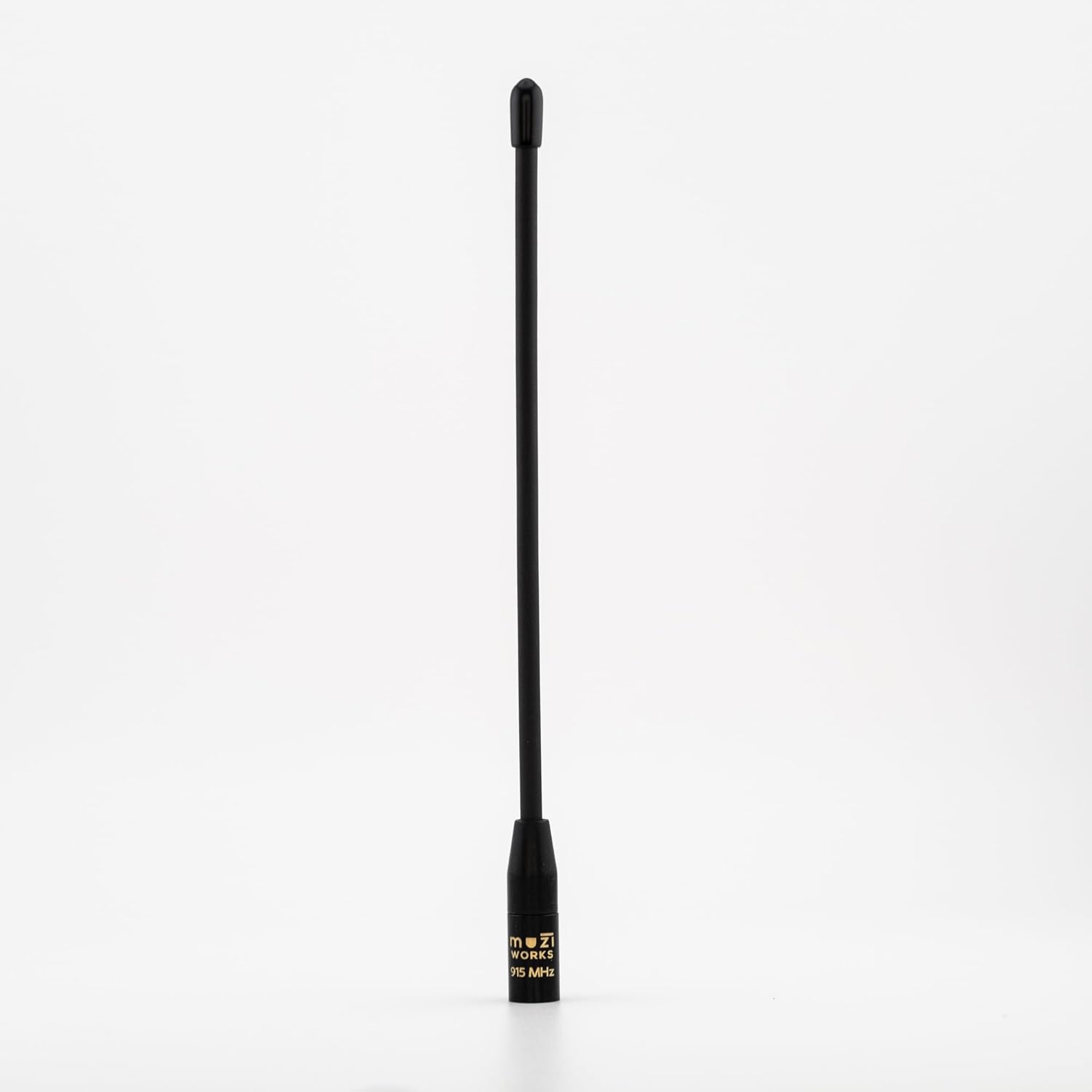
- Heard repeats only from a better spot: height and antenna come before power. For a handheld, a gooseneck like the Rokland MESHTAC gooseneck (Rokland) helps you stand the antenna up and away from your hand. For a node at a window or on the roof, see our handheld vs rooftop antenna guide, which compares outdoor options like the ALFA AOA-915-5ACM (Rokland).
- Repeaters nearby, but you can't reach any: a fixed node at real height is the fix. That could be your own repeater or a neighbor's roof. Where to put a MeshCore repeater covers height and line of sight. Our post on what a rooftop repeater changes explains what to expect, and the repeater vs companion vs room server guide covers which firmware to flash.
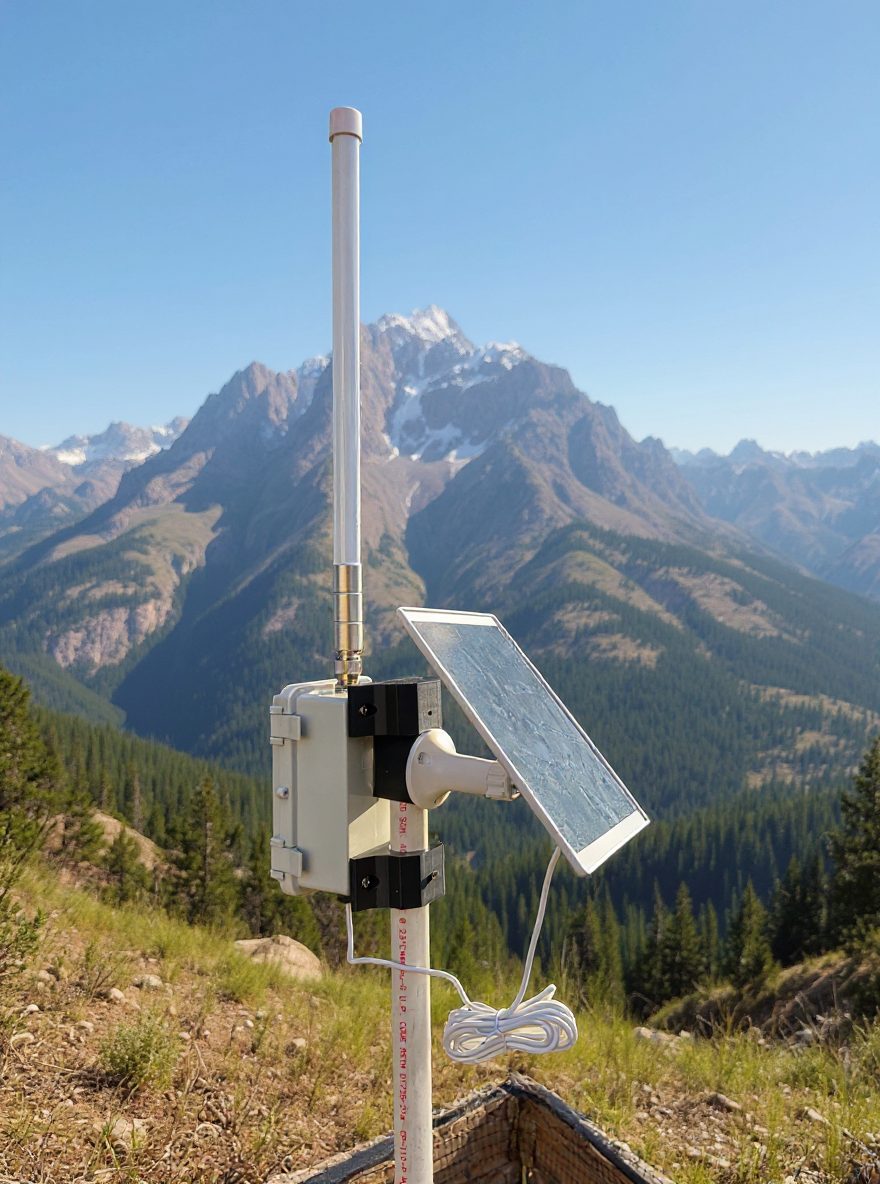
- No repeaters at all: you'd be starting coverage, not joining it. A solar repeater like the RAK WisMesh Repeater Mini (Rokland) is the usual next step, and site height matters more than which one you pick. Sold out at Rokland right now? Alternatives: SenseCAP P1-Pro for MeshCore (Amazon) ($139.99; Seeed Studio $100.99 as of Nov 17, 2026), SenseCAP P1-Pro for Meshtastic (Amazon) ($139.99; Seeed Studio $101.99 as of Nov 17, 2026), or the KEEPTEEN D5L-R1 5W solar repeater with RAK19007 + RAK4631 (Amazon, third-party seller) ($119). Check current prices before you buy.
More transmit power is rarely the first answer. If you're tempted, read do you need a 1 watt mesh node first.
Around Bryan–College Station
If you're local, check the map, set USA/Canada (Recommended), and send a message on the Public channel from your best window. If you're flashing a new board, use flasher.meshcore.io, then confirm the preset in the app before you test. If you're not sure what you're seeing, reach out to us. We'd rather help you find the repeater you can already reach than sell you one you don't need. Our antennas and rooftops guide covers what tends to work in local neighborhoods.
Don't have a radio yet? Our Pocket Mesh Node is flashed with MeshCore or Meshtastic, your choice. If you're joining us around Bryan–College Station, we recommend MeshCore. Buying from the Brazos Valley Mesh shop helps fund the local mesh. Comparing boards? See our first MeshCore node under $70 post.
FAQ
How do I find MeshCore repeaters near me?
Open map.meshcore.io, or Internet Map from the MeshCore app's three-dot menu. Then let your companion listen on the local preset. Repeaters it hears appear in your contacts after they advert.
Why isn't a repeater I know about on the MeshCore map?
The map shows only nodes someone uploaded, and a repeater's location is optional. A working repeater can be missing from the map entirely.
Why doesn't a nearby repeater show up in my contacts?
Usually it hasn't adverted since you turned your radio on, your preset doesn't match, or a clock is wrong. In v1.18.0, a repeater with adverts turned off is also not discoverable.
If I can see a repeater, can it hear me?
Not necessarily. Send on a channel and look for heard repeats. No heard repeats usually means the repeater didn't hear you, even if you hear it fine.
Do I need my own repeater to join a MeshCore mesh?
No. If a repeater hears you, a companion alone is enough. Add a repeater only when testing shows no repeater can reach you, and you have a high spot to put one.