MeshCore Repeater vs Companion vs Room Server: Which Role?
MeshCore repeater vs companion vs room server? Start as a companion. Flash repeater only when you have a second board and a high spot. Save room server for later. Around Bryan–College Station, that order is how new operators actually get on the air without mixing up roles.
MeshCore splits its firmware into roles that all run on the same 915 MHz LoRa hardware. One board can't be a pocket messenger and a rooftop relay at the same time. There's also sensor firmware for telemetry nodes, which this post doesn't cover. We checked this against the MeshCore FAQ and the v1.18.0 release notes on Oct 18, 2026. If you still need a first board, see first MeshCore node under $70. Once you've flashed companion, follow how to send your first MeshCore message.
Quick answer
- Companion is the messenger radio your phone or web app connects to (over BLE, USB serial, or WiFi on some boards). It's your first flash.
- Repeater forwards packets toward their destination. It does not retransmit every packet it hears.
- Room server is a simple store-and-forward BBS that sends you 32 unseen messages when you log in. It's not a substitute for a real repeater.
- On the USA/Canada (Recommended) preset, companions do not repeat other people's traffic. Only repeaters (and room servers with `set repeat on`) extend range.
- You cannot pair to a repeater over BLE. Manage it over the USB console or web flasher, or remotely over RF from a companion.
Companion: your first role
Companion firmware turns a LoRa board into the radio your phone or browser talks to.
- BLE companion pairs to the MeshCore app over Bluetooth.
- USB serial companion connects to the MeshCore web client over a data cable.
- BLE+WiFi companion pairs over Bluetooth, takes your WiFi details in the MeshCore app (v1.50.0 or later), and then also connects over WiFi. It's new in v1.18.0 for the Heltec V3, V4, and V4 r8, Heltec Wireless Paper, RAK3112, Xiao S3, and Xiao S3 WIO. These builds leave out USB for now because the port is used for serial logging.
Flash it at flasher.meshcore.io (Chrome or Edge on desktop). Then set USA/Canada (Recommended): 910.525 MHz, SF7, BW62.5, CR5, and verify those values. Our USA/Canada MeshCore preset guide has the details.
If you have one board, that's all you need. Pair the app, send an advert, and post on the Public channel. You do not need a second role to prove the radio works.
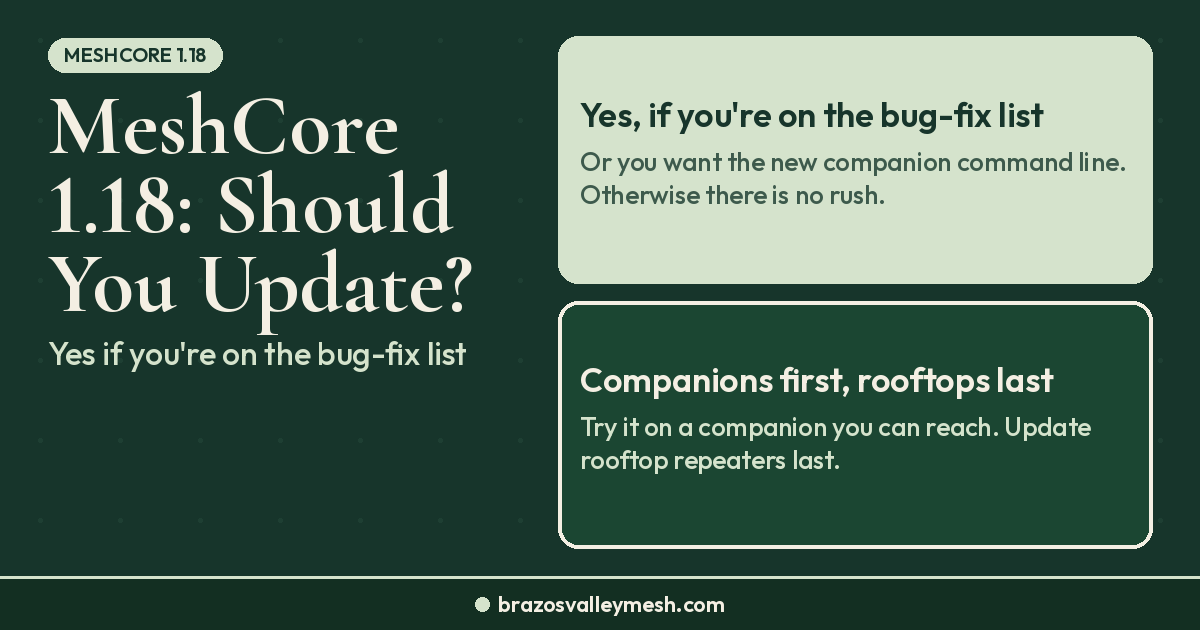
As of firmware v1.18.0 (Oct 15, 2026), companions also have their own command line. In the MeshCore app (v1.50.0 or later), it's the Command Line option in settings. There's also an optional Remote CLI permission for each contact. It lets that contact manage your companion over the mesh, including changing radio settings, renaming it, and rebooting it. That's a sensitive permission, so leave it off unless you fully trust the contact.
Want one ready out of the box? Our Pocket Mesh Node is flashed with MeshCore or Meshtastic, your choice. If you're joining us around Bryan–College Station, we recommend MeshCore. Buying from the shop helps fund the local mesh.

 Common first companions people flash around here: Seeed Wio Tracker L1 Pro (Amazon) (Seeed Studio), Heltec WiFi LoRa 32 V4 (Rokland), or a RAK WisBlock US915 (Amazon).
Repeater: the high node that grows the mesh
A MeshCore repeater's job is to forward packets to the destination. It does not flood-retransmit every packet it receives the way some LoRa mesh systems do. That messaging-first design is a big part of why we run MeshCore locally. Our MeshCore vs Meshtastic comparison covers the tradeoffs.
Flash repeater firmware from the same web flasher. After the first flash, set the frequency over the USB console (or the flasher UI) so the radio matches the USA/Canada preset before you unplug the cable.
You cannot connect to a repeater over BLE. Manage it with:
- the USB serial console or web flasher while the board is on your desk, or
- remote admin over RF from a companion in the MeshCore app (or from an unlocked T-Deck).
Two repeater changes landed in v1.18.0: minimal loop detection is now on by default, and a repeater with adverts turned off is no longer discoverable.
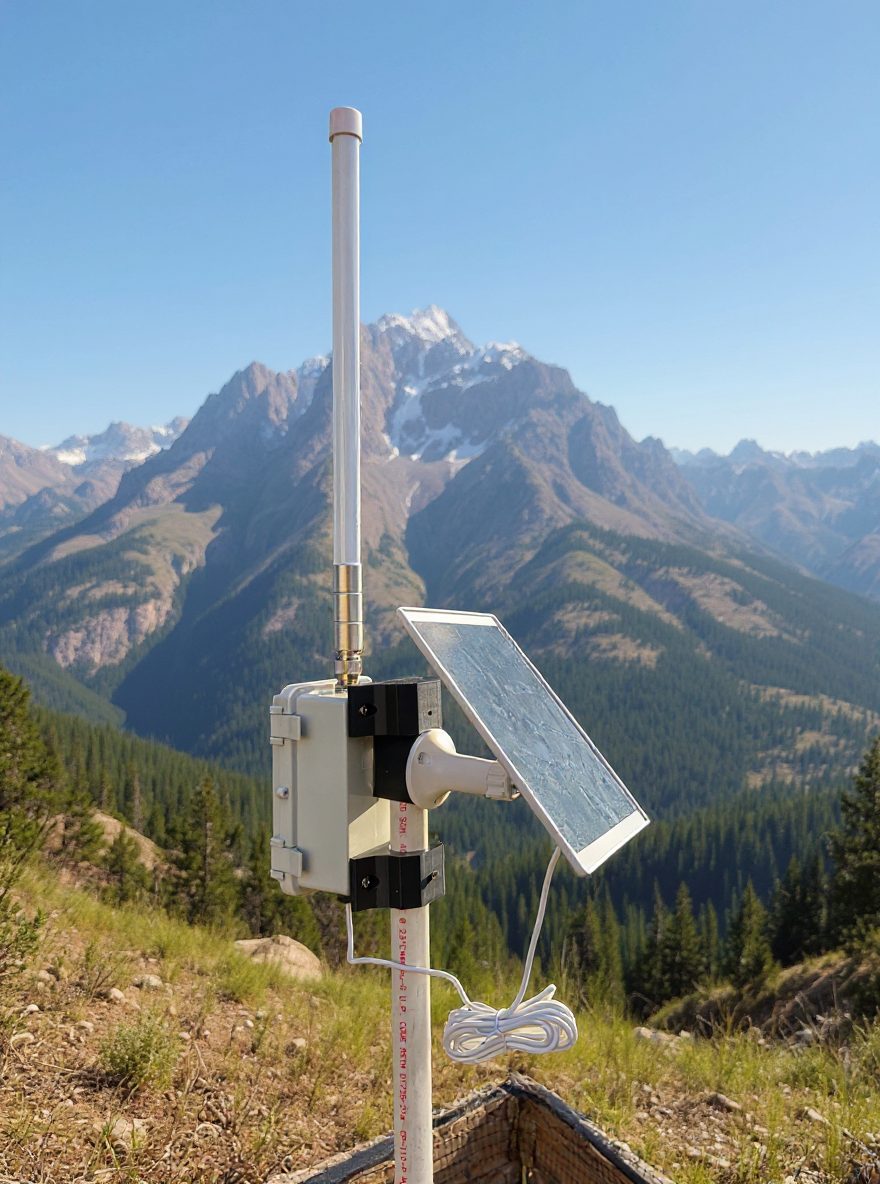
 The default admin password is `password`. Change it before you leave a board on a roof. Height matters more than stacking pocket nodes. See what a rooftop repeater changes. If you want a ready-made solar option, we sell a solar repeater MeshCore node. A third-party pick is the RAK WisMesh Repeater Mini (Rokland). Sold out at Rokland right now? Alternatives: SenseCAP P1-Pro for MeshCore (Amazon) (Seeed Studio), SenseCAP P1-Pro for Meshtastic (Amazon) (Seeed Studio), or the KEEPTEEN D5L-R1 5W solar repeater with RAK19007 + RAK4631 (Amazon, third-party seller). We don't quote prices here, so check the listing before you buy.
Room server: store-and-forward, not a second repeater
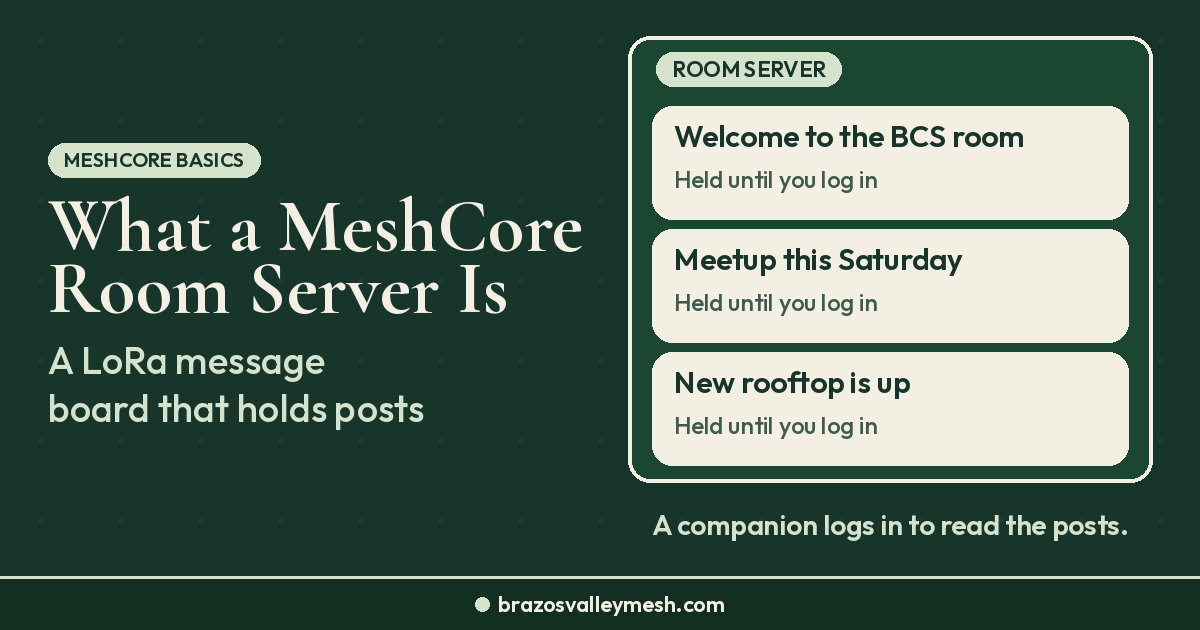
A room server is a simple BBS: it stores message history and sends you what you missed when you log in (32 previously unseen messages). Think of it as email-style catch-up, not a live Public channel where you had to be on the air to catch the message.
You can run `set repeat on` on a room server, but MeshCore's FAQ says that's not recommended. A room server with repeat enabled lacks the full repeater feature set. Run repeater and room server on separate devices.
The default guest password for a room server is `hello`. Change both the admin and guest passwords, and don't leave factory defaults on a public node.
How many boards, and which role first?
Here's what the MeshCore FAQ recommends:
- One device: flash it as a BLE companion and talk to neighbors who are already on the air.
- Two devices, quiet area: flash both as companions to talk with friends and family.
- Two devices, nearby MeshCore users: flash one companion and one repeater, and put the repeater high.
That's the same advice we give new folks around Bryan–College Station every week. A second companion on the kitchen table does not grow coverage on USA/Canada. A repeater on an eave or mast does. For background on how LoRa mesh roles fit together, see mesh network 101.
FAQ
MeshCore repeater vs companion — which should I flash first?
Flash companion first. Connect the phone or web client, set the USA/Canada preset, send an advert, and send a message. Add a repeater only when you have a second board and a high place to put it. A room server comes after you're comfortable with those two roles.
Do MeshCore companions repeat other traffic?
No, not on the USA/Canada preset. MeshCore clients do not repeat. Only repeaters (and room servers with `set repeat on`) extend range. That is why height and dedicated repeaters matter more than stacking pocket nodes.
Can I connect to a MeshCore repeater over Bluetooth?
No. Repeater firmware has no Bluetooth connection. Use the USB console or web flasher at your desk, or remote admin over RF from a companion once the repeater is on the right frequency.
Should I turn repeat on for a room server?
MeshCore does not recommend it. A room server with `set repeat on` lacks full repeater features. Use separate devices for repeater and room server.
What preset should a new companion or repeater use here?
USA/Canada (Recommended): 910.525 MHz, SF7, BW62.5, CR5. On the wrong preset, you won't hear any Bryan–College Station traffic, so use the preset and verify those values.