Meshtastic Hop Limit: Why 3 Hops Is the Right Default
What should your Meshtastic hop limit be? Leave it at 3. That's the default, and Meshtastic's own docs say it "should be fine for most applications. Really, 3 is fine." Raising it on every node usually makes a busy mesh slower and less reliable, not longer-range.
It's one of the first settings new owners poke at, because "more hops" sounds like "more range." This post explains what a hop actually is, why the default is 3, what goes wrong when everyone raises it, and the few cases where changing it makes sense. We checked it against the Meshtastic LoRa configuration docs, the configuration tips page, the mesh broadcast algorithm docs, and the official Zero-Cost Hops for Favorite Routers post on Oct 22, 2026.
Quick answer
- Keep Max Hops at 3 on your handheld, desk, and roof nodes.
- Don't raise it to fix a weak link. Fix height, antenna, or role first.
- If you truly need more, change it only on nodes at the edge of the mesh, not the ones in the middle. That's Meshtastic's own advice.
- The setting can't go above 7, and that ceiling is built into the protocol.
What a hop is on Meshtastic
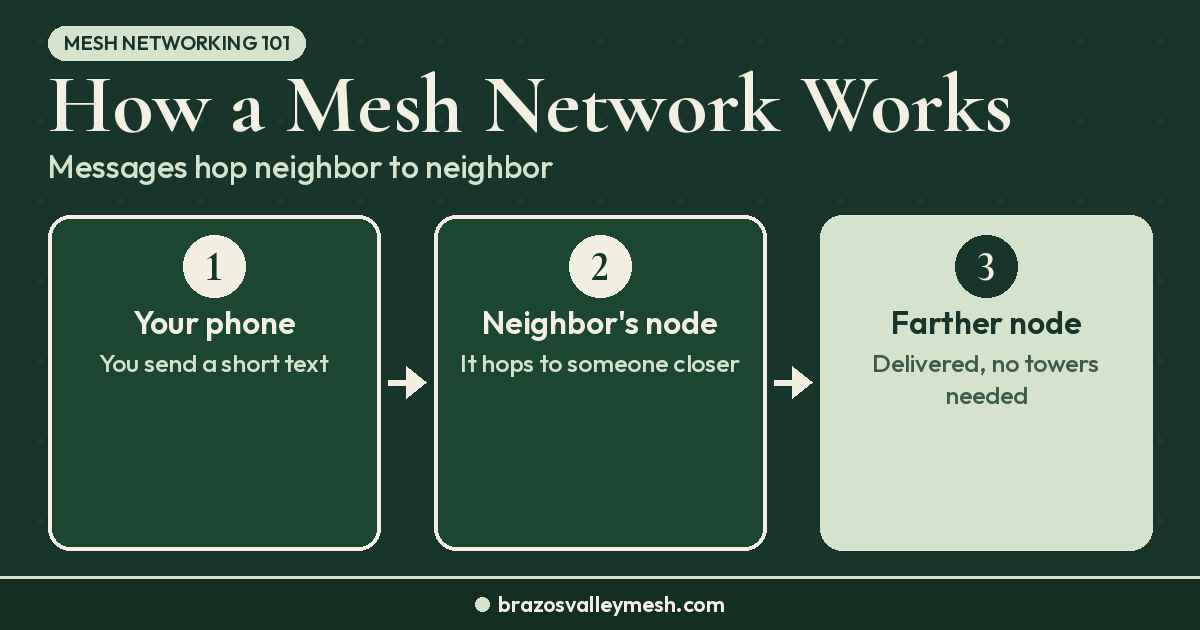
A hop is one retransmission by another radio. When you send a message, your node stamps it with your hop limit. Every node that rebroadcasts it subtracts one. When the count reaches zero, nobody repeats it again.
So with the default of 3, your message can go from your radio to a neighbor, from that neighbor to another node, and so on, up to three relays past you. The setting lives under LoRa settings as Max Hops. In the Python CLI it's `lora.hop_limit`, with values from 1 to 7 and a default of 3.
One detail matters here: your hop limit applies to the packets you send. Relays only count it down. Raising it on your own node doesn't change how far anyone else's messages travel.
Why 3 is the default
Meshtastic doesn't use routing tables for broadcasts. It uses what it calls managed flooding. Every node that hears a packet with hops left may rebroadcast it, but first it listens for a moment. If another node repeats the packet first, it usually stays quiet. Nodes farther away get a shorter wait, so the packet tends to jump outward quickly.
That works well on a shared 915 MHz channel, as long as each message doesn't spread farther than it needs to. Every node in an area shares the same airtime. Each extra hop allowed means another ring of radios, farther out, may spend airtime repeating the same message. Three hops is the compromise Meshtastic picked to reach well past your own neighbors without making every message fill the whole region.
Our how a mesh network works explainer covers the basics of relaying if you're new to the idea.
Meshtastic 2.8 adds a new wrinkle. The 2.8.1 alpha release notes list "automatic variable hop limits based on live mesh activity and message-size estimation." The notes don't say whether it's on by default or how it works with your Max Hops setting, and 2.8.1 is still an alpha, so nothing in this post depends on it. Our Meshtastic 2.8 update covers whether to upgrade yet.
What goes wrong when everyone raises it
Meshtastic's tips page puts it plainly: "Unnecessarily high hop counts often lead to network issues." Here's how that plays out:
- More airtime per message. A packet with more hops left can be repeated by more radios in more places. On a busy channel, that's time nobody else can transmit.
- More collisions. When two radios transmit at once, both packets can be lost. More repeats mean more chances for that.
- More retries. When it doesn't hear an acknowledgment, Meshtastic sends a reliable broadcast up to three times in total and a direct message up to five, counting the first try. Lost packets on a crowded channel turn into even more traffic.
- It hides the real problem. Meshtastic's role guide notes that badly placed ROUTER nodes use up hops early, and that people often respond by raising the hop limit, "which unfortunately further increases congestion by utilizing more air time."
One node set to 7 isn't a disaster. The trouble starts when it becomes the common advice and a whole town does it.
When changing the hop limit makes sense
There are a few honest reasons to change it:
- You're at the edge. If you live on the far edge of a mesh and your messages consistently die one hop short, Meshtastic says to apply any increase only to nodes at the network's edges, not those near the middle. Bump it by one, test, and keep the lowest number that works.
- Your group is small and close. If everyone you talk to is one or two hops away, setting 2 is fine and saves airtime.
- You're on a faster preset. The Zero-Cost Hops post points out that faster presets like SHORT_FAST trade range for speed, so messages in dense metro meshes can use up hops faster. The fix there is good infrastructure, not everyone setting 7.
Before you change anything, find out how many hops your messages actually take. The Zero-Cost Hops post suggests running a traceroute before and after favoriting routers, and the same check works for a hop-limit change. If your traceroute shows your usual contacts are two hops away, raising the limit won't help them.
Zero-cost hops: the better fix for long paths
Meshtastic firmware 2.7.11 added Zero-Cost Hops. A hop isn't counted down when all of these are true:
- The relaying node is a ROUTER, ROUTER_LATE, or CLIENT_BASE.
- It isn't the packet's very first hop.
- The node it heard the packet from is in its favorites and is a ROUTER or ROUTER_LATE.
Only those infrastructure and base nodes need 2.7.11 or newer; regular clients don't need an update. The hop limit still can't go above 7, but a backbone of favorited, well-placed routers can carry a message across several sites while using hops only at the start and end.
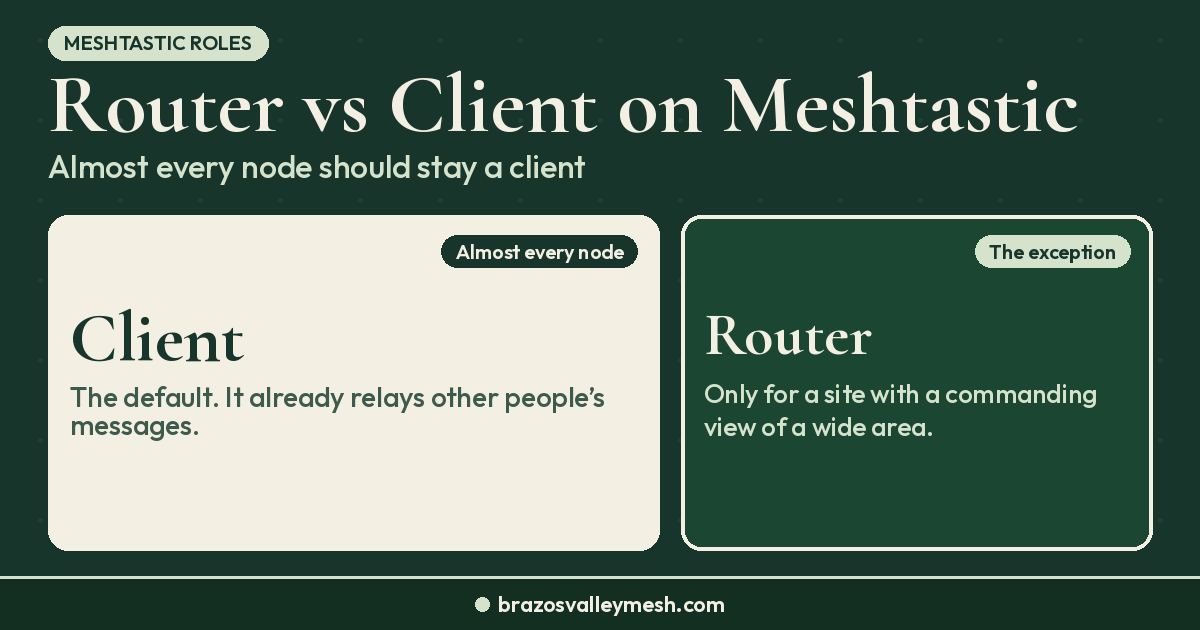
It also helps a common home setup. When your roof node is CLIENT_BASE and has the local routers favorited, messages coming in from those routers don't die on your roof before they reach your indoor radios. Our Meshtastic router vs client guide explains when ROUTER and CLIENT_BASE are the right roles, since the wrong ROUTER is one of the most common reasons people run out of hops.
Fix the link before the hop count
When a message doesn't make it, the hop limit is rarely the cause. In our experience the usual fixes are simpler:
- Height. LoRa at 915 MHz is mostly line of sight. Getting an antenna above the roofline usually beats any setting. See antennas and rooftops for better mesh range.
- A better antenna. For a desk or attic node, the Muzi Works 17 cm whip (Amazon) or the Rokland MESHTAC gooseneck is an easy upgrade over a stock stubby. For a mast, the ALFA AOA-915-5ACM omni (Rokland) is what we recommend in our 915 MHz antenna upgrade guide. Check your connector first with our SMA vs RP-SMA guide. Prices and stock change, so check the listing before you buy.
- Matching settings. Region, preset, and channel all have to match the local mesh. Our Meshtastic setup mistakes guide walks through them.
- A well-placed fixed node. One good site can replace several hops. Our post on what a rooftop repeater changes shows why.
How this works around Bryan–College Station
Our local mesh runs MeshCore, which handles relaying differently. Companion radios don't repeat traffic on the USA/Canada preset; dedicated repeaters do, and direct messages learn a path instead of flooding every time. Our MeshCore vs Meshtastic comparison explains why we chose MeshCore for a town-scale mesh.
If you run Meshtastic here, our advice matches the official guidance: leave Max Hops at 3, keep your radio on CLIENT, and put your effort into antenna height. If you live out past Bryan or College Station and your messages keep falling one hop short, raise it on your edge node only, test with a traceroute, and keep the lowest number that works.
Want a radio that's ready out of the box? Our Pocket Mesh Node is flashed with MeshCore or Meshtastic, your choice. If you're joining us around Bryan–College Station, we recommend MeshCore. Buying from the Brazos Valley Mesh shop helps fund the local mesh. Have a tall site that could cut hops for the whole area? Tell us on the hosting page.
FAQ
What should my Meshtastic hop limit be?
Leave it at 3, the default. Meshtastic strongly recommends keeping it there unless you're sure you need more or less to reach your destination.
What is the maximum Meshtastic hop limit?
Seven. The setting accepts values from 1 to 7, and Zero-Cost Hops doesn't raise that ceiling.
Will raising the hop limit give my node more range?
Not on its own. It only lets your messages be repeated more times. Your radio's range depends on antenna, height, and terrain. On a busy mesh, a higher hop limit mostly adds airtime and congestion.
Does my hop limit change how far other people's messages go?
No. Each sender sets the hop limit on its own packets, and relays only count it down. Your setting controls your own messages.
Should I set my roof node to a higher hop limit?
Usually not. A roof node sits in the middle of your own traffic, and Meshtastic says to raise hops only on nodes at the network's edges. Use CLIENT_BASE on the roof and favorite the local routers instead.
What are Zero-Cost Hops?
A feature in Meshtastic firmware 2.7.11 and newer. A ROUTER, ROUTER_LATE, or CLIENT_BASE node doesn't count a hop when it relays a packet it heard from a favorited ROUTER or ROUTER_LATE, so a well-built backbone saves hops for the start and end of the path.