Meshtastic MQTT Explained: Does It Share Your Location?
What is MQTT on a Meshtastic mesh, and does it share your location? MQTT links a node to an internet server so its mesh traffic can travel online. It's off by default. When it's on, it can publish your position, but on the default key the public server only passes along rough positions.
That short answer leaves out the part that surprises people: you don't have to turn MQTT on yourself for your packets to reach the internet. Any neighbor running a gateway can carry them there. This guide explains what MQTT does, what actually gets published, and the handful of settings that control it. We checked everything against Meshtastic's MQTT module docs, the MQTT integrations page, the LoRa config docs, the channel config docs, the Let's talk about 2.8 blog post and the 2.8.1 release notes on Oct 27, 2026.
Quick answer
- MQTT is a bridge. A node with internet access passes mesh packets to an MQTT server, and can pull packets back down onto the radio.
- It's off unless someone turns it on. The MQTT module is disabled by default, and so are uplink and downlink on every channel.
- Your location can go online two ways. Position packets on an uplinked channel go to the server, and the optional map report sends your position on a timer.
- The public server blurs positions. On the default key, it only shares imprecise positions, roughly 23 km down to 364 m.
- You control the rest. Leave OK to MQTT off, set your channel's position precision, and don't turn on map reporting unless you want to be on a map.
What MQTT actually does on a mesh
MQTT is a lightweight messaging protocol built for small devices. In Meshtastic, a node that can reach the internet becomes a gateway. It sends packets it hears to an MQTT server (uplink), takes packets from the server and puts them on the air (downlink), or both.
A node reaches the server in one of two ways:
- Its own network connection. Wi-Fi or Ethernet. On Wi-Fi, that usually means an ESP32 board like the Heltec V4.
- Your phone's connection. The docs call this Client Proxy. nRF52 and RP2040 boards have no Wi-Fi settings, so this is how they connect.
If you don't set a server address, the node uses Meshtastic's public server at `mqtt.meshtastic.org`. People use MQTT to link distant meshes, show nodes on online maps, and feed messages into tools like Home Assistant.
One detail matters for privacy. The integrations page says a gateway forwards every packet it sees on an uplinked channel, whether that packet came from the gateway itself or from another node on the mesh. So your traffic can reach the internet through a neighbor's gateway even if your node has MQTT turned off.
Does MQTT share your location?
It can, in two ways.
Position packets on an uplinked channel. If your node broadcasts its position on a channel that a gateway uplinks, the position goes to the server along with your messages and telemetry. On firmware 2.8 (still an alpha), position and telemetry broadcasts are off by default and precise positions aren't sent on public channels at all.
Map reports. Starting with firmware 2.3.2, a gateway can send a map report so online maps can show it. The MQTT docs say the report is unencrypted and includes:
- the node's long name, short name and ID
- its position and altitude
- its hardware model, role and firmware version
- its region, modem preset and primary channel name
- whether it can be reached on the default channel
- how many local nodes it heard in the last 2 hours
Map reporting is off by default. When it's on, the position is blurred to a maximum deviation of about 1,459 m by default, and the report goes out once an hour at most.
There's one more catch. The Encryption Enabled setting for MQTT defaults to off. The docs warn that when it's off, every message goes to the server unencrypted, even if your channel has its own key. JSON output is never encrypted either.
What the public server does to protect you
Meshtastic puts limits on its public server to protect both privacy and airtime:
- Location precision filtering. On the default key, the server only shares position packets with imprecise locations, 10 to 16 bits. From the channel docs table, that's roughly 23.3 km at 10 bits down to 364 m at 16 bits. Precise positions are filtered out.
- Traffic filtering. On the default key, it prioritizes a short list of packet types, including text messages, node info, position, telemetry and map reports.
- Zero-hop policy. Traffic coming down from the public server reaches only nodes that hear the gateway directly. It doesn't spread across the rest of the local mesh.
Those protections apply to Meshtastic's public server. A private server doesn't enforce the zero-hop policy, and Meshtastic recommends against using the default key on a private server, because that can flood the mesh with traffic and open security holes. Use a private server with private channels and custom keys.
Settings that control what reaches the internet
These are the switches worth knowing, all from the official config docs.
- OK to MQTT (LoRa settings, default off): turn it on only if you approve your packets going to MQTT servers. When it's off, nodes that hear you are asked not to forward your packets to MQTT. It only applies on channels using the default or event key; channels with custom keys ignore it. Treat it as a request, since it relies on the gateway's firmware honoring it.
- Position precision (per channel): `0` sends no position on that channel, and `32` sends full precision. On a channel with a public key (no key, the default key, or a one-byte key), the firmware caps it at 15 bits, about 729 m. In the CLI, `meshtastic --ch-set module_settings.position_precision 13 --ch-index 0` sets the primary channel to about 2.9 km.
- Uplink and Downlink (per channel, default off): only turn these on for channels you mean to bridge.
- Map Reporting (MQTT settings, default off): leave it off unless you want your node on a public map.
- Ignore MQTT (LoRa settings): your node ignores messages it hears over the air that passed through MQTT along the way. It only works when your node and the gateway both run firmware 2.2.19 or later.
If you need exact coordinates for a search-and-rescue group or family tracking, put them on a private secondary channel with its own key, and keep that channel off MQTT. Our Meshtastic setup mistakes guide covers the other first-hour settings to check.
Should you turn MQTT on?
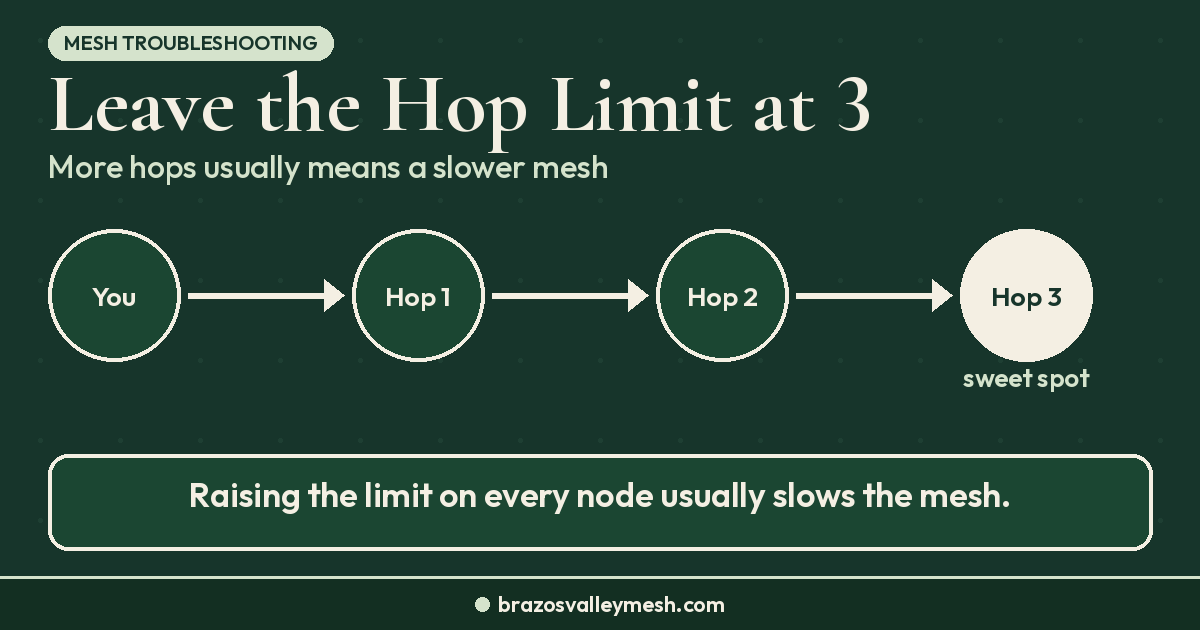
For most people, especially in a town with good radio coverage, no. Meshtastic's own docs warn that the default LongFast channel on the public server carries a lot of traffic and can overload a device. A gateway pulling internet traffic onto the air also uses airtime your neighbors are relying on. That's the same reason our Meshtastic hop limit guide recommends leaving Max Hops at 3.
MQTT makes sense when you want to:
- link two meshes too far apart for radio
- watch your own nodes from a dashboard
- send sensor data into Home Assistant or a similar tool
 If you set up a gateway, keep it on CLIENT or CLIENT_MUTE unless you have a clear reason for another role, as our Meshtastic router vs client guide explains. If you want a cheap Wi-Fi board to try it on, the Heltec V4 style ESP32 LoRa board on Amazon and the Heltec V4 at Rokland both have Wi-Fi built in. Check the Meshtastic Web Flasher for your exact board, and check current prices, before you buy.
What this means around Bryan–College Station
Brazos Valley Mesh runs MeshCore, not Meshtastic, so the Meshtastic MQTT settings above don't touch our repeaters. MeshCore and Meshtastic don't talk to each other on the air, as our MeshCore vs Meshtastic comparison explains.
MeshCore has its own location choices. A MeshCore advert broadcasts a node's name, position and public key, and setting a repeater's location is optional. A node appears on the official map at map.meshcore.io only when someone uploads it. Our guide to finding MeshCore repeaters near you covers how that map works.
Whichever firmware you run, the radio itself is local. As our guide to local mesh comms when cell service fails explains, LoRa messages don't need the internet at all. MQTT is an extra you add, not something the mesh needs.
Want a radio that's ready out of the box? Our Pocket Mesh Node is flashed with MeshCore or Meshtastic, your choice. If you're joining us around Bryan–College Station, we recommend MeshCore. Buying from the Brazos Valley Mesh shop helps fund the local mesh.
FAQ
Does Meshtastic MQTT share my location?
It can. Position packets on an uplinked channel go to the MQTT server, and map reports include your position. The public server only shares imprecise positions on the default key, and you can lower or turn off position sharing per channel.
Is MQTT on by default in Meshtastic?
No. The MQTT module, channel uplink and downlink, and map reporting are all off by default.
Can my packets reach MQTT if I never turn it on?
Yes. A neighbor's gateway forwards packets it hears on uplinked channels. Leaving OK to MQTT off asks other nodes not to forward yours, but it depends on their firmware honoring that request. It only applies on channels using the default or event key; channels with custom keys ignore it.
Are Meshtastic messages encrypted on MQTT?
Not by default. With the MQTT Encryption Enabled setting off, which is the default, messages go to the server unencrypted even if your channel has a key. JSON output is never encrypted.
What does the public MQTT server do with my position?
On the default key, it only shares position packets with 10 to 16 bits of precision, roughly 23 km down to 364 m. Precise positions are filtered out.
Do I need MQTT to use Meshtastic?
No. Nodes talk to each other over LoRa radio with no internet. MQTT is optional, for linking distant meshes or sending data to other software.