MeshCore Room Server: What It Is and How to Join One
What is a MeshCore room server, and how do you join one? It's a small LoRa message board. It holds posts and sends you the ones you missed when you log in, so you don't have to be on the air when a message goes out. To join, you need a companion that can hear it and the room's password.
That catch-up part is what makes it different from a channel. The MeshCore FAQ says a channel message is either received when it's sent or missed if you're out of range, while a room server works "more like email servers," where you come back later and pick up your mail. Around Bryan–College Station, where people drift in and out of repeater coverage on the drive between towns, that's a real difference. We checked everything below against the MeshCore FAQ, the CLI reference, and the room server firmware source on Oct 30, 2026.
Quick answer
- A room server is MeshCore firmware for a separate board that acts as a simple bulletin board (the FAQ calls it a "simple BBS server").
- When you log in, it sends you up to 32 posts you haven't seen yet.
- To join, your companion has to hear the room server's advert. Then you open it from your contacts and log in with the room password.
- On a fresh room server, the guest password is `hello` and the admin password is `password`. Anyone running one should change both.
- A room server is not a repeater. MeshCore recommends running the two on separate boards, and 1.18.0 room server firmware no longer lets you turn repeating on.
What a room server actually does
A room server sits on the mesh and stores posts. When a member logs in, it pushes the posts that member hasn't seen yet, one at a time, and keeps going as the member's radio acknowledges each one. The FAQ says a client logging in gets the previous 32 unseen messages.
In the current firmware source, the room keeps its posts in a rolling queue of 32 by default. On a busy room, the oldest posts roll off as new ones arrive, so it's a catch-up board, not a permanent archive.
Compare that with the places you already send messages in MeshCore:
- Public and group channels flood across the mesh. If you're out of range when someone posts, you miss it. Our receive-but-can't-send guide explains why channel messages get no delivery confirmation.
- Direct messages go to one contact and get an acknowledgment, but only if that person's radio is reachable.
- A room server holds the post until each member logs in and collects it.
That makes a room useful for a group that isn't always on the air at the same time: a neighborhood, a club, a farm crew, or a local emergency net. It's also handy after a storm, when phones are down and people check in at different times. Our mesh comms when cell service fails post covers what a LoRa mesh can and can't do in that situation.
How to join a MeshCore room server
You need a working companion first. If you haven't sent a message yet, start with how to send your first MeshCore message, then come back.
- Get on the right preset. Around here, that's USA/Canada (Recommended): 910.525 MHz, SF7, BW62.5, CR5. Our USA/Canada MeshCore preset guide has the details. A companion on the wrong settings won't hear the room at all.
- Wait for the room's advert. Once your companion hears it, the room server shows up in the MeshCore app's contacts list, the same way a repeater does. Per the CLI reference, room servers flood an advert every 47 hours by default, so a brand-new node may not see one right away. Asking the owner to send an advert, or waiting up to two days for the next scheduled one, usually fixes it.
- Get the password. The person running the room decides who gets in. Ask them for the room password.
- Log in. Open the room from your contacts and log in with that password. Unread posts then start arriving.
- Post. Messages you send to the room are stored and delivered to other members when they log in.
The MeshCore FAQ says a BLE companion paired to the MeshCore phone app, or a T-Deck running MeshCore firmware, can connect to a room server. You don't need the paid T-Deck registration just to join rooms. According to the FAQ, the registration only unlocks remote admin and deeper map zoom.
Passwords and permissions, explained
This is the part that confuses people, so here's what the firmware does with each password.
- The room (guest) password lets you in to read and post. The MeshCore FAQ gives the default as `hello`, and the room server builds we checked for the Heltec V3, Heltec V4, and RAK4631 set it to `hello`.
- The admin password gives full control over the room, including its settings, over the mesh. It defaults to `password`.
- Read-only access is off by default. If the owner turns it on with `set allow.read.only on`, someone without the right password can still log in and read posts but can't post. With it off, a wrong password gets no reply, and the login just times out in the app.
- Per-person permissions can be set by public key with `setperm`. The CLI reference lists guest, read-only, read-write, and admin levels.
If a login keeps timing out, check the password first. Then check range, since the room server's reply has to make it back to you.
Can't see the room server?
Most of the fixes overlap with our receive-but-can't-send guide:
- Wrong preset. Confirm 910.525 MHz, SF7, BW62.5, CR5.
- No advert yet. See step 2 above.
- Bad clock. The MeshCore FAQ says a companion, repeater, or room server with the wrong time may not appear in your contacts. The owner can fix a room server's clock with a remote clock sync, or with the `time` command over USB.
- Out of range. A room server doesn't help if your messages can't reach it. Getting closer to a repeater, or getting higher, is usually the fix.
Should you host your own room server?
Only after you're comfortable with a companion and a repeater. Our repeater vs companion vs room server guide explains why we suggest that order. If you do want one, here's the short version from the MeshCore docs.
- Use a separate board. A room server isn't a repeater. The MeshCore FAQ still says one can repeat with `set repeat on`, but calls that "not recommended nor encouraged," and on 1.18.0 room server firmware the command now just replies that repeat is deprecated. Run the room server and the repeater on different devices.
- Flash Room Server firmware for your exact board at flasher.meshcore.io.
- Set it up over USB. Use config.meshcore.io or the flasher's console to set the USA/Canada (Recommended) radio settings, a name, and a location (`set lat` and `set lon`), all before it leaves your desk.
- Change both passwords. Use `password <new-password>` for admin and `set guest.password <password>` for the room. Don't leave `password` and `hello` on a node anyone can find.
- Decide on read-only. Leave `allow.read.only` off for a private group, or turn it on if you want a public board that anyone can read but only members can post to.
- Manage it over the air. Like a repeater, a room server has no phone connection of its own. After setup, log in from a companion with the admin password to change settings. Our guide to managing a MeshCore repeater walks through the same remote-login flow.
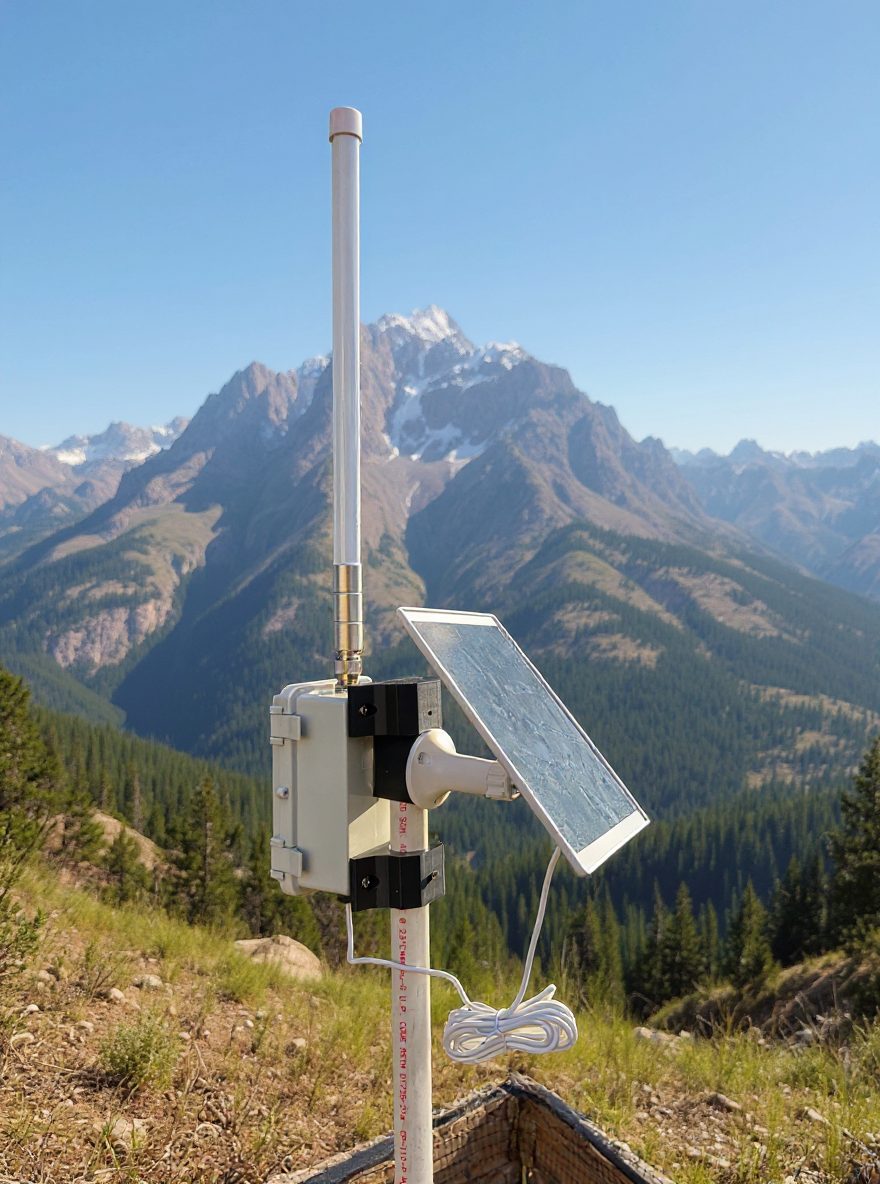
Put it somewhere with steady power where the repeaters can hear it. It doesn't need the best spot on the roof, because that belongs to a repeater. Our rooftop repeater write-up explains why.
Any board with a Room Server build on the flasher works. Two we'd look at for a desk or closet room server are the Heltec WiFi LoRa 32 V4 at Rokland ($26.97, in stock when we checked Oct 30, 2026) and the RAKwireless WisBlock US915 starter kit at Rokland ($34.97, in stock Oct 30). Both have Room Server builds in the MeshCore firmware, despite "Meshtastic" in the listing names. Prices and stock change, so check before you buy.
Can a Meshtastic node join a MeshCore room?
No. MeshCore and Meshtastic don't talk to each other on the air, so a room server only serves MeshCore companions. Our MeshCore vs Meshtastic comparison explains why we run MeshCore locally.
FAQ
What is a MeshCore room server?
It's MeshCore firmware that turns a LoRa board into a simple bulletin board. It stores posts and sends members the ones they missed (up to 32 unseen) when they log in.
How do I join a MeshCore room server?
Get your companion on the same preset, wait for the room server to appear in your MeshCore app contacts, open it, and log in with the room password the owner gives you.
What is the default room server password?
The MeshCore FAQ says the default guest password is `hello` and the default admin password is `password`. A well-run room will have changed both, so ask the owner.
Why does my room server login time out?
Usually it's the wrong password. With read-only access off, which is the default, a room server doesn't answer a wrong password at all. Range and a wrong clock are the next things to check.
Does a room server repeat messages?
No. Room servers don't repeat by default, and on 1.18.0 firmware the old `set repeat on` option is deprecated. Use a separate repeater for coverage.
Do I need a room server to use MeshCore?
No. Channels and direct messages work without one. A room server only helps when people want to catch up on posts they missed.
Getting on the Brazos Valley mesh
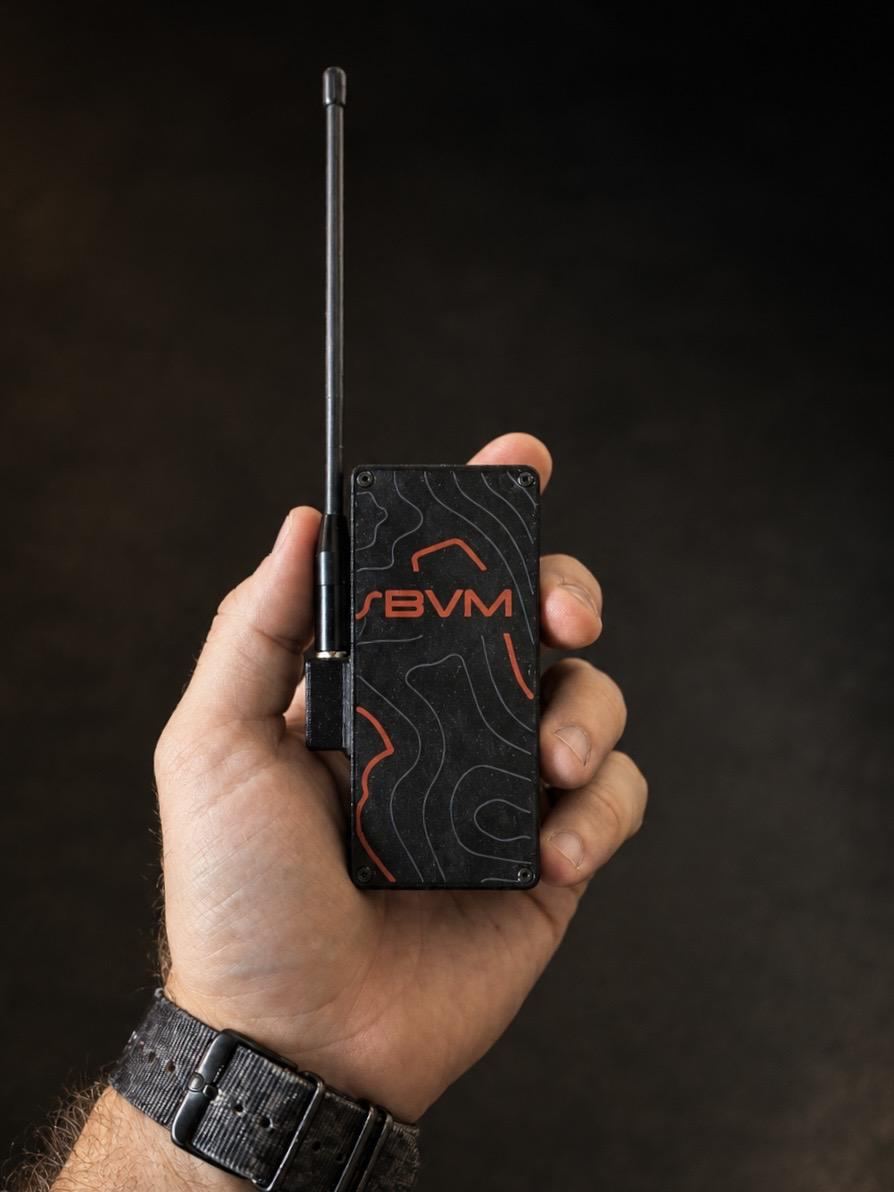
If you want a companion that's ready to join a room, our Pocket Mesh Node is flashed with MeshCore or Meshtastic, your choice. If you're joining us around Bryan–College Station, we recommend MeshCore. Buying gear anywhere is fine. Buying from the Brazos Valley Mesh shop helps fund the local mesh. Thinking about putting a room server or repeater on a building you own or manage? Our hosting page explains how that works.